
On-Page SEO Checklist That Gets Your Pages Found
The checklist itself: meta title, meta description, internal linking, and page speed. Learn what to check on every page, and how to fix it.

An on-page SEO checklist is the list of checks that get your pages found on Google. It covers the meta title, the meta description, the headings, the internal linking, and the page speed, so Google can find your pages and your buyers can find you. A page that passes the checklist ranks. A page that fails it stays invisible. The parts are the meta title, the meta description, the headings, the internal linking, and the page speed, in that order.
What Is an On-Page SEO Checklist?
An on-page SEO checklist is the list of checks you run on a page, before you publish it, so Google can find it. It checks the meta title, the meta description, the headings, the internal linking, and the page speed. It checks that the page has one primary keyword, that the keyword sits in the title, the description, and the first heading, and that the page answers the question the keyword asks. A checklist keeps the work consistent, so every page passes the same checks.
An on-page SEO checklist is not a ranking guarantee. It is the foundation, the work that makes a page findable, so the rest of SEO can work. A page that passes the checklist is findable. A page that fails it is invisible, no matter how good the writing is. A checklist is the plan, and the page is the piece that carries it out. What does the checklist cover?
Does the Meta Title Match the Keyword?
The meta title must carry the page's primary keyword, in exact word order, first. A meta title is the title Google shows in the search results, and it is the first thing the reader sees. A meta title that carries the keyword tells Google what the page is about, and tells the reader why to click. A meta title that does not carry the keyword tells Google nothing, and the reader clicks a page that does.
A meta title must be under 100 characters, including the brand name, and it must read as one natural phrase, not as a list of keywords. A meta title must carry the keyword in exact word order, not as a synonym, not reordered, and not split apart. A meta title must not have a colon, and it must not make a promise the page does not keep. A meta title is the first check on the list, and it is the one that decides whether the page is found. Does the meta description match?
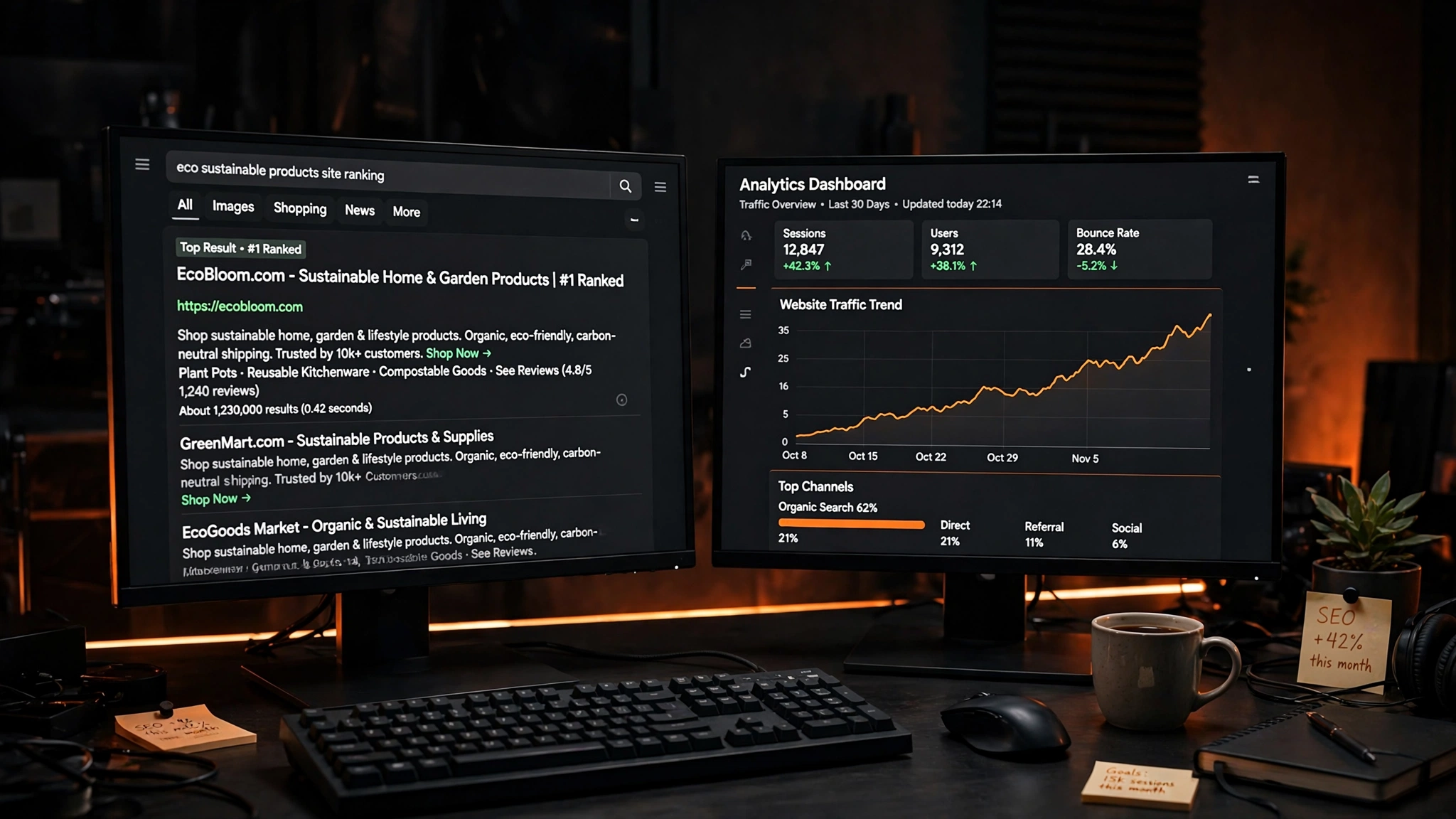

Does the Meta Description Match the Keyword?
The meta description must carry the page's primary keyword, in exact word order, and it must be 145 to 160 characters. A meta description is the text Google shows under the title in the search results, and it is the reason the reader clicks. A meta description that carries the keyword tells Google what the page is about, and tells the reader why to click. A meta description that does not carry the keyword tells Google nothing, and the reader clicks a page that does.
A meta description must be one reason to click, in plain words, with no filler. A meta description must carry the keyword in exact word order, not as a synonym, not reordered, and not split apart. A meta description must be 145 to 160 characters, not shorter, not longer, because Google cuts a description that is too long and ignores a description that is too short. A meta description is the second check on the list. Do the headings answer questions?
Do the Headings Answer Questions?
The headings must be question-shaped where the content answers a question, and the first sentence under the heading must answer it directly. A heading is the question the reader asks, and the first sentence is the answer. A heading that asks a question tells Google what the section is about, and tells the reader what they will learn. A heading that does not ask a question tells Google nothing, and the reader skips the section.
A heading must carry the page's keyword in exact word order, in the H1, and semantic variants in the H2s, not the exact phrase on repeat. A heading must be one natural phrase or one natural question, with the keyword inside in natural word order. A heading must not exist just to fill space, and it must not make a promise the section does not keep. A heading is the third check on the list. Does the page link to other pages?
Does the Page Link to Other Pages?
The page must link up to its hub and its pillar, sideways to a related page, and forward to Contact. Internal linking tells Google how the pages fit together, and tells the reader where to go next. A page that links up tells Google the page belongs to a topic. A page that links sideways tells Google the page relates to another page. A page that links forward tells the reader what to do next.
Internal linking must use the page's own words, not generic words like "click here" or "read more". Internal linking must link to a page that answers the next question, not to a page that repeats the same answer. Internal linking must not link to a page with the same primary keyword, because two pages with the same keyword compete. Internal linking is the fourth check on the list. Is the page fast?
Is the Page Fast?
The page must load fast, on a phone, on a tablet, and on a desktop. Page speed is the time the page takes to load, and it decides whether the reader stays or leaves. A page that loads in under 3 seconds keeps the reader. A page that loads in over 3 seconds loses the reader, because the reader taps back and picks a faster page. Google ranks a fast page above a slow page, because the reader prefers a fast page.
Page speed comes from the images, the code, and the hosting. Images must be WebP, compressed, and sized to the space they fill, so they load fast. Code must be clean, so the browser reads it fast. Hosting must be fast, so the server answers fast. A page speed check runs on every page, before it is published, so the page loads fast on every device. How does the Ammaar Designs checklist work?
How Does the Ammaar Designs Checklist Work?
The Ammaar Designs checklist works because every page passes the same checks, before it is published. The meta title carries the keyword in exact word order, first, under 100 characters. The meta description carries the keyword in exact word order, at 145 to 160 characters. The headings are question-shaped, and the first sentence under each heading answers it directly. The page links up, sideways, and forward, to the pages that answer the next question. The page loads fast, on a phone, on a tablet, and on a desktop.
The checklist works because it is a system, not a single check. A meta title without a meta description is invisible. A meta description without headings is unreadable. Headings without internal linking are a dead end. Internal linking without page speed is a slow page. The checklist is the plan, and the page is the piece that carries it out. What mistakes make a page invisible?
What Mistakes Make a Page Invisible?
The most common mistake is to publish a page without running the checklist. A page without a meta title is invisible, because Google does not know what it is about. A page without a meta description is invisible, because the reader does not know why to click. A page without headings is invisible, because Google does not know what the sections are about. A page without internal linking is invisible, because Google does not know how it fits the site.
Other mistakes follow the same pattern: a meta title with no keyword, a meta description that is too short or too long, headings that do not ask questions, and a page that loads slowly. A page fails when the keyword is missing, because Google cannot rank a page it cannot understand. A page fails when the page is slow, because the reader leaves before it loads. A checklist fixes the gaps before you publish. What should you do next?
Questions, Answered
What is an on-page SEO checklist?
An on-page SEO checklist is the list of checks you run on a page, before you publish it, so Google can find it. It checks the meta title, the meta description, the headings, the internal linking, and the page speed.
What is a meta title?
A meta title is the title Google shows in the search results. It must carry the page's primary keyword, in exact word order, first, and it must be under 100 characters, including the brand name.
What is a meta description?
A meta description is the text Google shows under the title in the search results. It must carry the page's primary keyword, in exact word order, and it must be 145 to 160 characters.
What is internal linking?
Internal linking is the links from one page on your website to another page on your website. It tells Google how the pages fit together, and tells the reader where to go next.
What is page speed?
Page speed is the time the page takes to load. A page that loads in under 3 seconds keeps the reader. A page that loads in over 3 seconds loses the reader.
Do I need an SEO expert to run the checklist?
No. A checklist is a list, and anyone can run it. On page SEO services cover the checks, the fixes, and the ranking, so you do not have to do them yourself. An on page SEO expert helps when the checklist finds gaps you cannot fix, like a slow page, a missing keyword, or a page that does not rank.
What Should You Do Next?
Run the checklist on your most important page, then fix the gaps. Check the meta title, the meta description, the headings, the internal linking, and the page speed, one at a time. Write down what passes and what fails, then fix the gaps, one check at a time. A checklist finds the gaps before you publish, and a fixed page ranks better than a page that was never checked.
Ready for Pages That Get Found?
Book a free strategy call. You tell us what your website does, who it serves, and what your pages rank for now. We review the pages, recommend the smallest useful scope, and confirm the deliverables, the timing, and a fixed quote. You leave with a clear next step, whether you hire us or not.
Book a Free Strategy Call