
Video Editing Services for YouTube Creators
What video editing includes, and how to pick an editor. Learn the cut, the captions, and the thumbnail, and how long an edit takes.
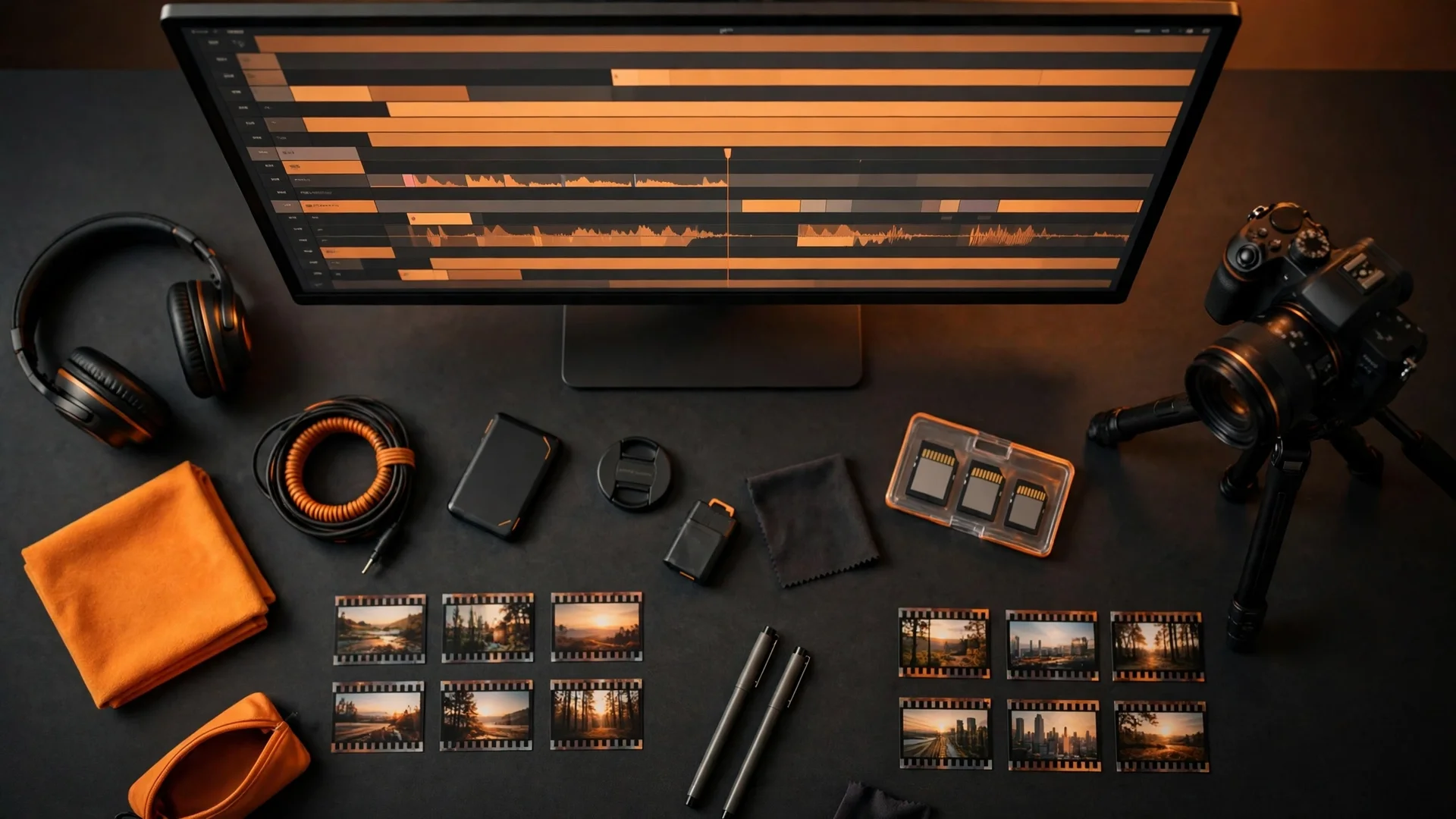
Video editing services turn raw footage into a video that keeps viewers watching. A video editor cuts the footage, adds transitions, grades the colour, writes the captions, and designs the thumbnail, so the video looks professional and the viewer stays to the end. A YouTube creator hires a video editor when the filming is done but the video is not ready, because the edit is what makes the video watchable. The parts are the cut, the transitions, the colour grading, the captions, and the thumbnail, in that order.
What Are Video Editing Services?
Video editing services are the work of turning raw footage into a finished video. A video editor takes your footage, cuts the parts that do not work, and joins the parts that do, so the video flows from the hook to the call to action. A video editor adds transitions, so the cuts feel smooth. A video editor grades the colour, so the footage looks consistent. A video editor writes the captions, so the viewer can follow the video without sound. A video editor designs the thumbnail, so the viewer clicks.
Video editing services are for YouTube creators who film but do not edit, because the edit takes longer than the filming. A YouTube creator films in an hour, and the edit takes a day, because the cut, the captions, and the thumbnail each take time. A video editor does the edit, so the creator can film the next video. What does video editing include?
What Does Video Editing Include?
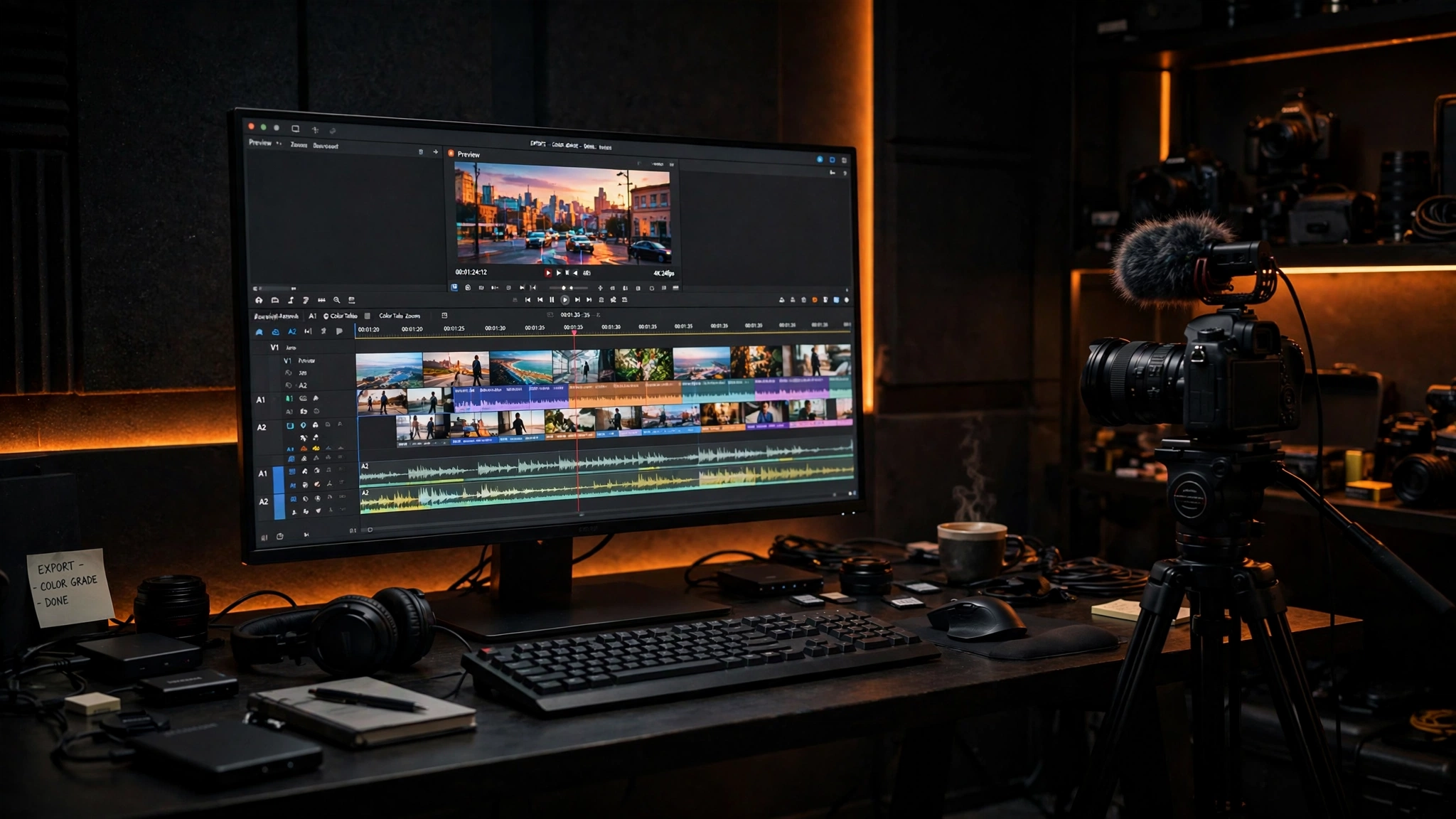
Video editing includes the cut, the transitions, the colour grading, the captions, and the thumbnail. The cut removes the mistakes, the pauses, and the parts that do not work, so the video is tight and the viewer stays. The transitions join the cuts, so the video flows from one scene to the next. The colour grading makes the footage look consistent, so the video looks professional. The captions write the words on the screen, so the viewer can follow the video without sound. Subtitles do the same in another language, so the video reaches more viewers. The thumbnail is the image that earns the click, so the viewer taps the video.
Video editing also includes the sound, the music, and the call to action. The sound is cleaned, so the voice is clear and the noise is gone. The music is added, so the video has energy and the viewer stays. The call to action tells the viewer what to do next, so the viewer subscribes, comments, or clicks. A video editor delivers the finished video, the thumbnail, and the captions, in the files you need. How long does an edit take?
How Long Does an Edit Take?
A short video takes 1 to 2 days. A longer YouTube edit takes 3 to 5 days. A short video is a Reel, a short-form video, or a clip under a minute, and the edit is a cut, captions, and a thumbnail. A longer YouTube edit is a video over 10 minutes, and the edit is a cut, transitions, colour grading, captions, sound, music, and a thumbnail. The time depends on the length of the footage, the number of cuts, and the revisions.
An edit takes longer when the footage is long, the cuts are many, or the revisions are more than 2. An edit takes less time when the footage is short, the brief is clear, and the revisions are 1 or 2. A video editor agrees the date before work starts, so you know when the video is ready. A video editor delivers the finished video, the thumbnail, and the captions, on the date agreed. How do you pick a video editor?
How Do You Pick a Video Editor?
You pick a video editor by watching their work, not by reading their promise. A video editor shows videos they edited, so you can see the cut, the captions, and the thumbnail. A video editor explains the decisions behind the work, so you can see the thinking. A video editor names what the quote includes: the cut, the transitions, the colour grading, the captions, the thumbnail, and the revisions.
You pick a video editor who edits for your audience, not for every audience. A video editor for YouTube creators knows the hook, the retention, and the thumbnail, because YouTube is different from a Reel or a short. A video editor for YouTube creators knows the captions, the sound, and the call to action, because the viewer watches on a phone, without sound, and taps to subscribe. A portfolio shows the style, but a case study shows the thinking. How does the Ammaar Designs edit work?
How Does the Ammaar Designs Edit Work?
The Ammaar Designs edit works because the editor cuts for retention, not for length. The hook comes first, so the viewer stays past the first second. The cut removes the pauses, the mistakes, and the parts that do not work, so the video is tight. The captions write the words on the screen, so the viewer can follow without sound. The thumbnail earns the click, so the viewer taps the video. The call to action tells the viewer what to do next, so the viewer subscribes.
The edit works because it is a system, not a single cut. A storyboard plans the video before the edit. A cut joins the footage. Transitions smooth the joins. Colour grading makes the footage consistent. Captions write the words. A thumbnail earns the click. A mockup shows how the thumbnail looks next to the other videos, before it is published. The edit is the work, and the thumbnail is the door. What mistakes make a video fail?
What Mistakes Make a Video Fail?
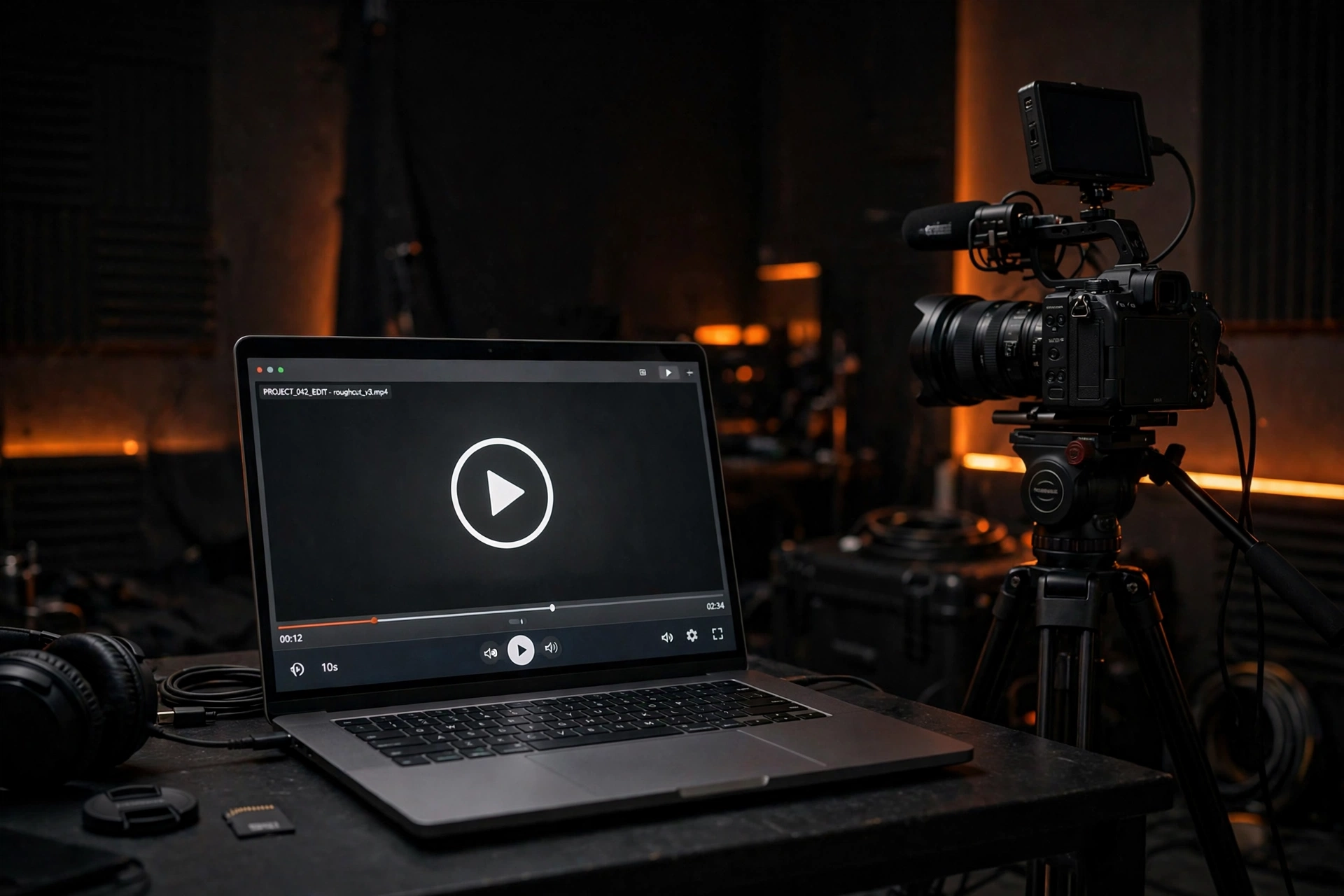
The most common mistake is to film without a plan, then edit without a hook. A video without a plan runs long, loses the viewer, and hides the offer. A video without a hook loses the viewer in the first second, because the viewer scrolls past it. A video fails when the cut is slow, the captions are missing, and the thumbnail does not match the video.
Other mistakes follow the same pattern: a video with no call to action, a video with sound that is too quiet, a video with colour that changes from scene to scene, and a thumbnail that does not earn the click. A video fails when the edit is a cut and nothing else, because the viewer needs captions, sound, and a thumbnail to stay. A storyboard fixes the plan before you film. Should you edit yourself or hire an editor?
Should You Edit Yourself or Hire an Editor?
Edit yourself when you have one video, a clear brief, and time to learn the tool. A DIY tool works for a quick cut when you have the footage and the time. Hire an editor when you have more videos than time, because the edit takes longer than the filming. A video editor does the cut, the captions, and the thumbnail, so you can film the next video.
A video editor is a system, not a single cut, and a system needs an editor who builds it as one. A storyboard plans the video. A cut joins the footage. Captions write the words. A thumbnail earns the click. A mockup shows how the thumbnail looks next to the other videos, before it is published. What should you do next?
Questions, Answered
What are video editing services?
Video editing services are the work of turning raw footage into a finished video. A video editor cuts the footage, adds transitions, grades the colour, writes the captions, and designs the thumbnail.
What does video editing include?
Video editing includes the cut, the transitions, the colour grading, the captions, and the thumbnail. It also includes the sound, the music, and the call to action.
How long does an edit take?
A short video takes 1 to 2 days. A longer YouTube edit takes 3 to 5 days. The time depends on the length of the footage, the number of cuts, and the revisions.
Do I send my own footage?
Yes. You send your footage on a shared drive link, and the editor cuts it, adds the captions, and designs the thumbnail.
What files do I get?
You get the finished video, the thumbnail, and the captions. You own the video and the files for work you pay for.
Do I own the video?
Yes. You own the video and the files for work you pay for. You receive the files on delivery.
What Should You Do Next?
Pick your next video, then plan the edit before you film. Write the hook, the outline, and the call to action, then film the footage. Send the footage on a shared drive link, and the editor cuts it, adds the captions, and designs the thumbnail. A storyboard plans the video before the edit, and a mockup shows how the thumbnail looks next to the other videos, before it is published.
Ready for a Video That Keeps Viewers Watching?
Book a free strategy call. You tell us what your video is about, who it is for, and what your footage looks like now. We review the footage, recommend the smallest useful scope, and confirm the deliverables, the timing, and a fixed quote. You leave with a clear next step, whether you hire us or not.
Book a Free Strategy Call