
Video and Motion Guides
Learn how to explain your offer with 2D animation and cut a video that keeps viewers watching to the end.
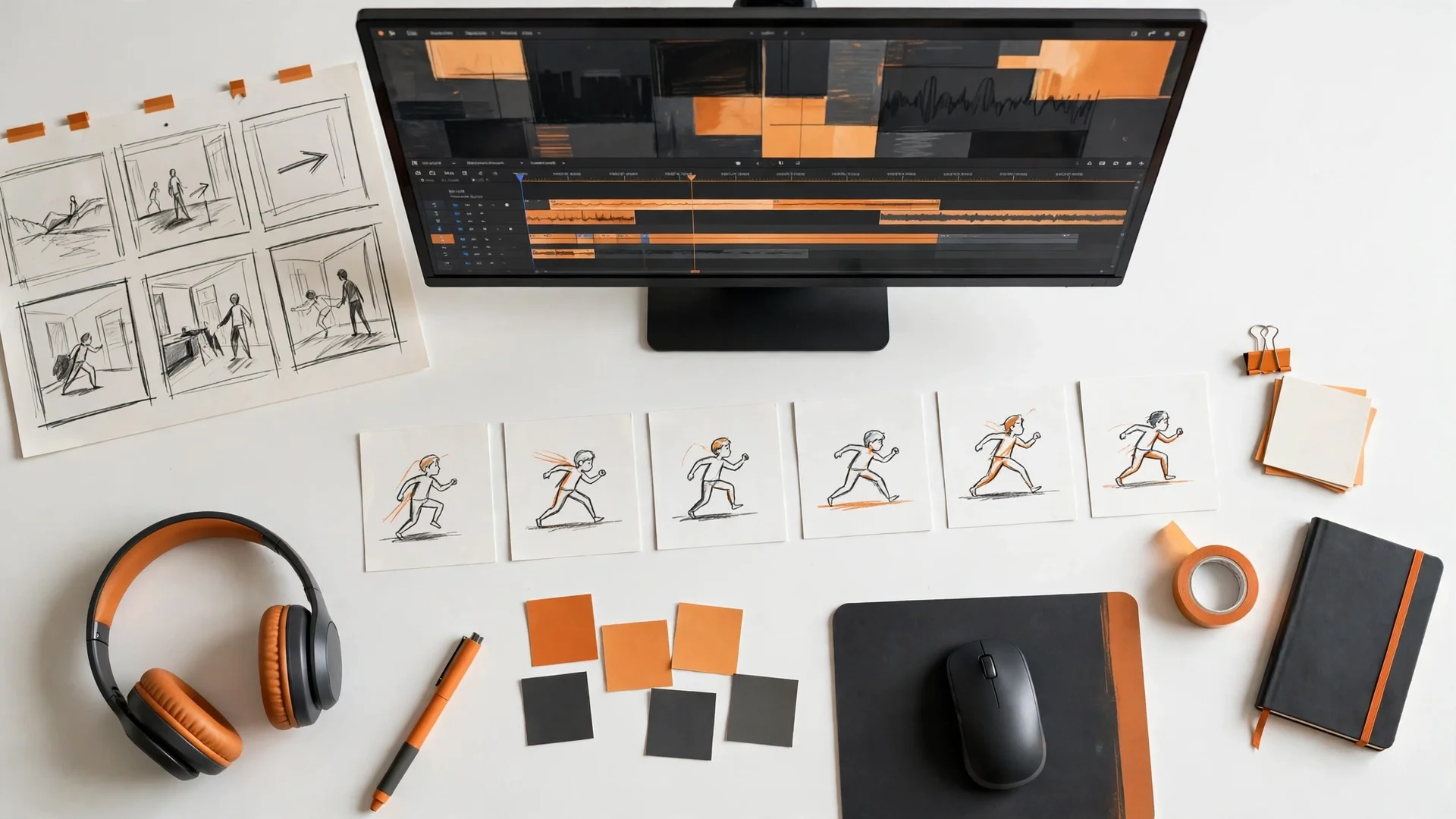
Learn video and motion, one guide at a time
Video and motion guides teach small businesses how to explain an offer with 2D animation and cut a video that keeps viewers watching. Each guide answers one question and teaches one skill, so you can use it the same day you read it. Use the guides to plan your own video for your audience, or to know what to ask for when you hire an editor. The guides cover motion graphics and video editing, in that order.
Most small businesses start with a video and stop there. A video alone does not make a viewer stay. Your explainer video, your captions, your thumbnail, and your Reel cover must match, or viewers leave before they hear your offer. These guides close that gap, one topic at a time. Which topic do you start with?
Guides by topic
Each guide answers one question. Start with the topic you need now.
Motion Graphics
What motion graphics are, and how 2D animation explains an offer that words cannot. Explainer video, logo animation, kinetic typography, and storyboards. How to plan an animation that shows your offer in motion.
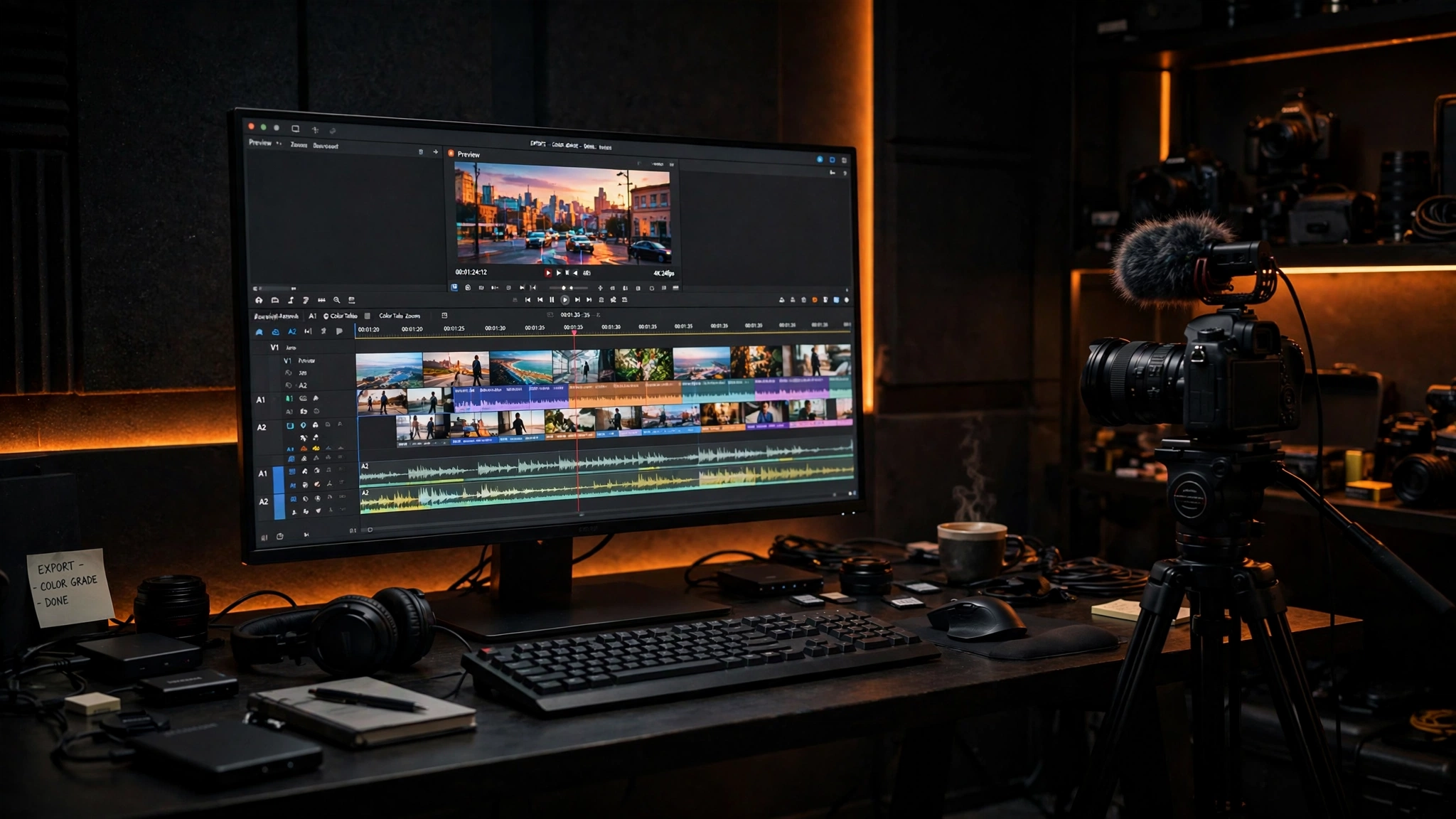
Video Editing
What video editing includes, and how a cut keeps viewers watching on YouTube and short-form video. Cut, transitions, colour grading, captions, subtitles, and a thumbnail that earns the click. How long an edit takes, and what files you get. Best video editing services for YouTube creators, and how to pick one.
How to use the guides
Read one guide at a time. Start with the topic you need now. Apply the guide the same day you read it. Each guide shows the storyboard, the explainer video, the cut, and the captions, so you finish with a video you can publish. The guides cover 2D animation, explainer video, kinetic typography, cut, transitions, and colour grading, so your video looks the same from the first frame to the last. What mistakes should you avoid while you use them?
Mistakes to avoid
A common mistake is to film without a storyboard. A video without a plan runs long, loses the viewer, and hides the offer. A video needs a storyboard, a hook, a cut, and captions, planned before you film. Other mistakes follow the same pattern: an explainer video with no call to action, captions that are too small to read, a thumbnail that does not match the video, and a Reel cover with no hook. A storyboard fixes the plan before you shoot. Fix the mistake, then use the guide for that topic. What do you do after you fix the mistakes?
Use a guide, or hire Ammar Designs
Use a guide to plan your animation or cut your video. Or book a free strategy call, and Ammar Designs does the work for you. You leave with a clear next step, whether you hire us or not.
Book a Free Strategy Call