
Meta Pixel Retargeting That Brings Visitors Back
Most visitors leave without buying. The Pixel remembers them, the audience holds them, and the ad brings them back.

Meta Pixel retargeting shows your ad again to people who visited your website and left without buying. The Pixel watches the visit, the audience holds the visitor, and the ad brings them back. This guide installs the Pixel, builds the audience, and picks the ad.
What Is Meta Pixel Retargeting?
Meta Pixel retargeting is advertising to people who already visited your website, viewed a product, or started a checkout and left. Most visitors leave without buying. They showed interest, but they had not decided yet. A cold ad has to earn attention from a stranger. A retargeting ad speaks to someone who already knows the brand, so it costs less per result than a cold ad. Retargeting is the cheapest campaign most small businesses run, because the audience is warm. How does the Pixel watch the visit?
How Does the Meta Pixel Work?
The Meta Pixel is a small piece of code that sits in the head of every page on your website and reports what visitors do. Meta now calls the Pixel a dataset in Events Manager, but the code and the audience builder still call it a Pixel. The base code fires a PageView on its own, and that alone builds a basic audience of all visitors. Standard events report the actions that matter: ViewContent when someone views a product, AddToCart when they add it, InitiateCheckout when they start to pay, and Purchase when they pay. Conversion tracking reports which ad brought the sale, so you can see the result, not just the click. The Pixel watches. How do you install it?
How Do You Install the Meta Pixel?
You create the Pixel in Events Manager, then paste the base code into the head of every page. Open Events Manager inside your business portfolio, click Connect data sources, choose Web, and give the Pixel a readable name, like yoursite.com - Web Dataset. Copy the base code and paste it into the head section of every page, through your theme header file so it loads sitewide. Add the standard events to the pages that matter: ViewContent on product pages, AddToCart on the cart, Purchase on the thank-you page. Test it with the Meta Pixel Helper browser extension, then open Events Manager, Test Events, and click through the real journey: homepage, product page, add to cart, checkout. The install takes 15 to 30 minutes. Pair the Pixel with the Conversions API, which sends the same events server side and removes duplicates with a shared event ID. Browser tracking loses events to ad blockers and consent refusals, and a Pixel-only setup builds audiences 10% to 30% smaller than they should be. The Pixel is live. What is a custom audience?
What Is a Custom Audience?
A custom audience is a group Meta builds from your own data, for retargeting campaigns. You can build one from website visitors the Pixel saw, from a customer list of emails or phone numbers that Meta hashes before matching, from people who watched your video, and from people who engaged with your Facebook or Instagram content. A website custom audience holds people by page and by time: everyone who visited, people who visited a product page, people who added to cart. You can create up to 500 custom audiences per ad account. The audience is a group. Which one should you build first?
Which Audience Should You Build First?
Build three audiences first: all visitors from the last 30 days, cart abandoners from the last 7 days, and buyers to exclude. All visitors from 30 days is your widest warm group. Cart abandoners from 7 days are the hottest group, because they picked a product and stopped one step from paying. Buyers are the exclusion group: stop showing the ad to people who already paid. A lookalike audience built from your buyers finds cold people who look like them, for a prospecting campaign later. Recent visitors from 7 to 14 days are hottest and deserve the strongest offer. Older visitors from 30 to 180 days need a softer return. The audiences are set. How do you build the campaign?
How Do You Build the Retargeting Campaign?
You build the audience in Audiences, then build the campaign around it in Ads Manager. Go to Ads Manager, Audiences, Create audience, Custom audience, Website. Pick your Pixel as the source, choose the rule, and set the time window. Name it so you can read it later: "Website visitors 30 days". Then build the campaign with a Sales or Leads objective, pick the custom audience, add the exclusion audience for recent buyers, and set the budget. Switch off Advantage+ audience on a retargeting campaign, because it widens the audience past the warm group. The campaign is built. What ad should the visitor see again?
What Ad Should a Visitor See Again?
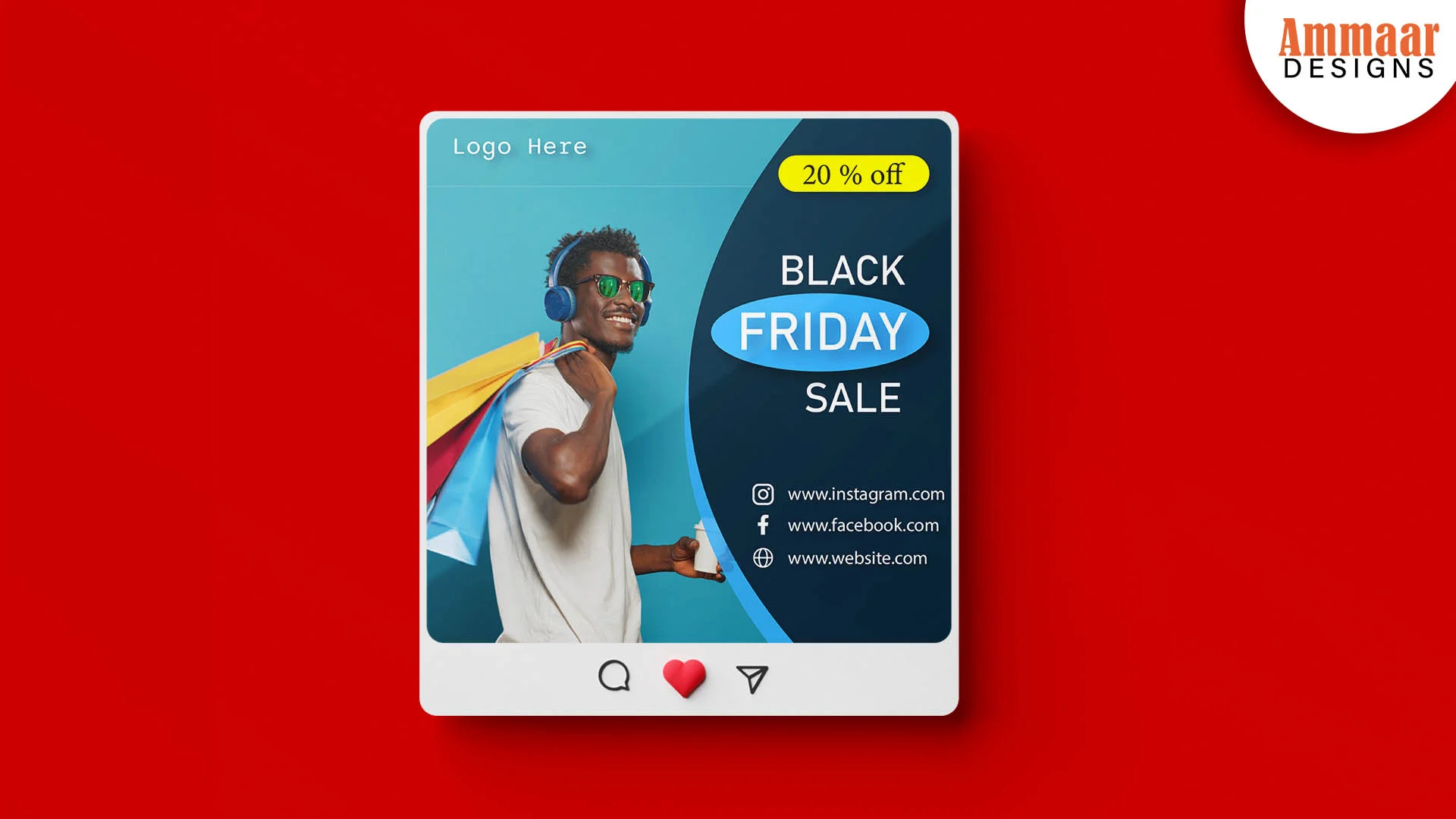
The visitor should see the product they viewed, with the offer that matches how close they came to buying. A cart abandoner sees the product in the cart, with a reminder and a clear next step. A product viewer sees the product again, with a review or a reason to return. A past buyer sees a new product, never the one they already bought. The Black Friday ad below is one image, one offer, one call to action, and it fits a visitor who already knows the brand. The landing page must match the ad, or the returning click leaves again. You picked the ad. How much should you spend?
How Much Should You Spend on Retargeting?
Start with $10 to $50 a day on one retargeting campaign, and give the hottest audience the biggest share. Retargeting needs people. Meta recommends an audience of at least around 1,000 people for stable delivery, and many practitioners treat a few thousand as the working floor. Below roughly 300 unique visitors a month, retargeting starves, so fix traffic first and come back. Split the budget by intent: the cart abandoners get more than the all-visitors group, because they are closer to buying. Watch frequency, or the same people see the same ad too often. The budget is set. What wastes the money?
What Mistakes Waste Retargeting Money?
Five mistakes waste the money. No exclusions. Serving the ad to recent buyers is the fastest way to waste retargeting spend. An audience too small. Under 1,000 people, the ad barely delivers. The same ad to every visitor. A cart abandoner and a homepage visitor need different ads. Advantage+ audience left on. It widens a retargeting campaign past the warm group. A Pixel without the Conversions API. The audience comes out 10% to 30% smaller than it should be. Your campaign has a structure and a measure. How does Ammaar Designs run retargeting?
How Does Ammaar Designs Run Meta Pixel Retargeting?
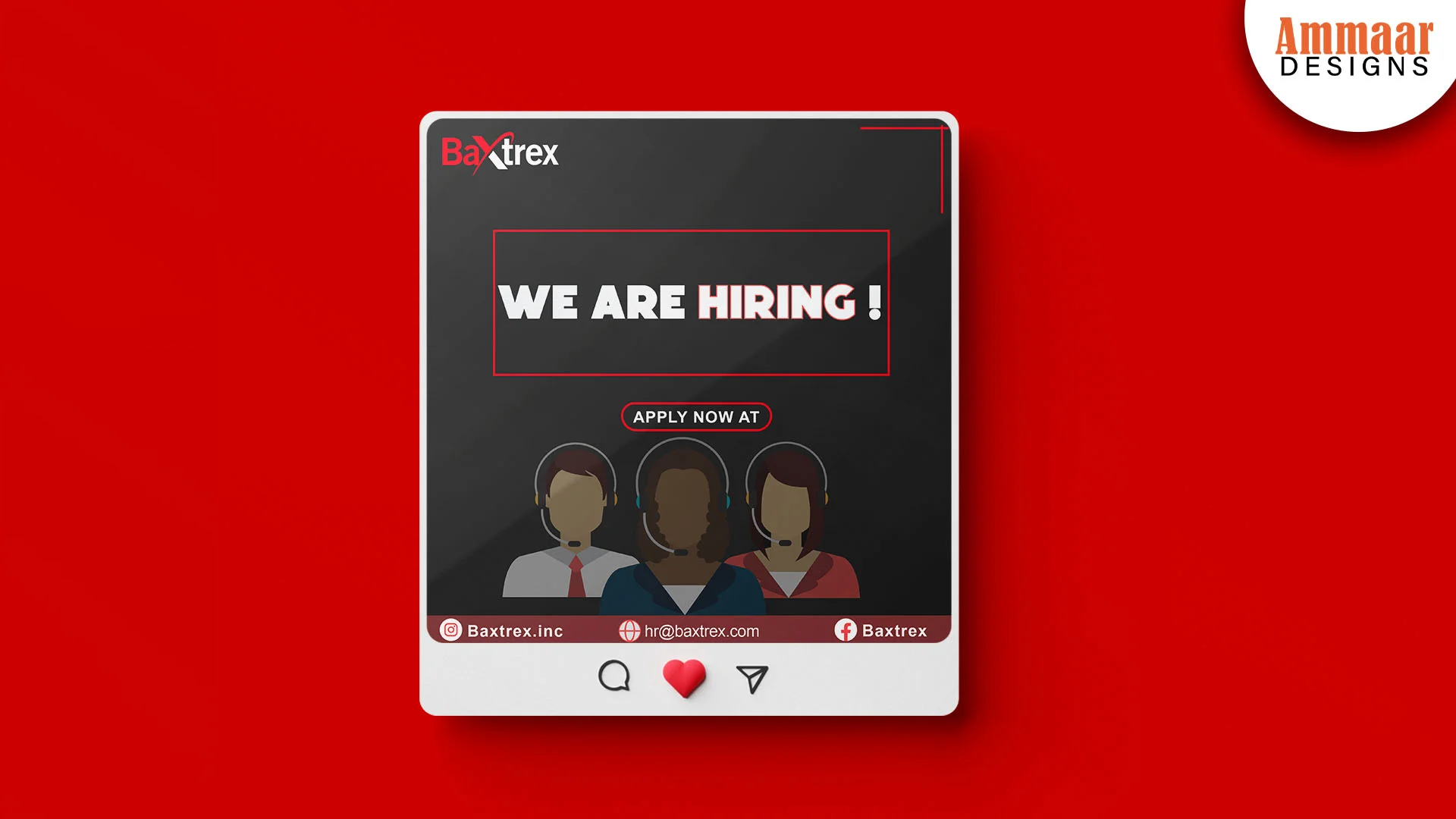
Ammaar Designs installs the Pixel, pairs it with the Conversions API, builds the audiences, and writes the ad for each one. A retargeting agency runs the campaign from the tracking to the creative, and Ammaar Designs runs it the same way. The Baxtrex ad below is one image, one offer, one call to action, and it fits a visitor who already knows the brand. The creative, the audience, and the landing page match, so the returning click becomes an enquiry. The Retargeting page shows what Ammaar Designs runs for you. Or use this guide and build your first audience yourself. Either way, the Pixel comes first.
Questions, Answered
What is the Meta Pixel?
The Meta Pixel is a small piece of code that tracks what visitors do on your website. It reports page views and actions like AddToCart and Purchase, so you can build audiences from real visits. Meta now calls it a dataset in Events Manager.
Do I need a website for retargeting?
No. You can build a custom audience from people who engaged with your Facebook Page or Instagram account: people who messaged, liked, commented, saved, or watched. Those need no code.
How long does the Pixel keep visitors?
Up to 180 days. Recent visitors from 7 to 14 days are hottest and deserve the strongest offer. Older visitors from 30 to 180 days need a softer return.
What is the difference between retargeting and remarketing?
They mean the same thing. Meta calls it retargeting. The idea is the same: show the ad again to people who already engaged with your brand.
How many people do I need for retargeting?
A few thousand is the working floor, and Meta recommends at least around 1,000 people for stable delivery. Below roughly 300 unique visitors a month, the audience starves, so fix traffic first.
Does retargeting work without the Pixel?
Yes, from engagement audiences. People who messaged your Page, watched your video, or visited your Instagram account can form an audience with no code. The Pixel adds website visitors to that list.
What Should You Do Next?
Install the Pixel, build one custom audience of website visitors from the last 30 days, and run one retargeting campaign at $10 a day. Exclude the buyers, show the visitors the product they viewed, and read the cost per result after a week. A first retargeting campaign teaches you more than a month of reading. Or ask Ammaar Designs to run it for you. The Retargeting service page shows what Ammaar Designs runs for you. Book a free strategy call and leave with a clear next step.
Read the Ad Manager Facebook guide next, for the campaign, the ad set, and the ad around the audience.
Ready for Ads That Pay You Back?
Book a free strategy call. You leave with a clear next step, whether you hire us or not.
Book a Free Strategy Call