Ad Manager Facebook and How to Run Your First Campaign
Ads Manager is the tool that runs your Facebook and Instagram ads. One campaign, one audience, one ad at a time.
Ad Manager Facebook is the free tool that creates, runs, and measures your Facebook and Instagram ads. It has three levels: the campaign, the ad set, and the ad. This guide opens Ads Manager, builds your first campaign step by step, and shows how to read the results.
What Is Ad Manager Facebook?
Ad Manager Facebook is Meta's free tool for creating and managing ads on Facebook and Instagram. Meta calls it Meta Ads Manager too. You choose a goal, pick who should see your ad, set a budget, and pay only for the results or impressions you buy. Ads Manager is not the Boost button. A boosted post has no targeting, no audience, and no landing page match. Ads Manager has all three. The tool is free. The ads cost money. What do you need before you open it?
What Do You Need Before You Open Ads Manager?
You need a Facebook Page, a business portfolio, an ad account, and a payment method. The ads run from your business Page and your Instagram profile. The business portfolio in Meta Business Suite holds the Page, the ad account, and the people who work on them. The ad account holds the currency and the time zone, and both are hard to change later. The payment method pays for the ads. The Meta Pixel tracks what happens on your website. Set these up once, before your first campaign. The setup is done. How do you build a campaign?
How Do You Build a Campaign in Ads Manager?
A campaign has three levels: campaign, ad set, and ad. The campaign sets the objective, the goal of the whole campaign. The ad set sets the audience, the budget, the schedule, and the placements. The ad sets the creative: the image or video, the text, the headline, and the call to action. One campaign can hold several ad sets. One ad set can hold several ads. Change the objective at the campaign level. Change the audience at the ad set level. Change the creative at the ad level. The structure is set. Which objective should you pick?
Which Objective Should You Pick?
Pick the objective that matches the action you want. Meta offers six objectives: Awareness, Traffic, Engagement, Leads, App promotion, and Sales. Awareness fits a new business that needs to be seen. Traffic fits a page that needs visitors. Engagement fits a post that needs comments and shares. Leads fits a business that needs enquiries. Sales fits a shop that needs orders. Meta shows your ad to the people most likely to take that action. Pick the wrong objective and Meta optimises for the wrong people. You picked the objective. Who should see the ad?
Who Should See Your Ad?
Your ad should reach people like your buyers, near your business. Target by location, age, interests, and behaviour. A local shop targets its town. A national shop targets its buyers. A custom audience targets people who visited your website or gave you their email. A lookalike audience targets people who look like your buyers. Start wide, then narrow by what the results show. A narrow audience costs more per result. A wide audience wastes money on the wrong people. The audience is set. How much should you spend?
How Much Should You Spend?
Start with a small daily budget and run the campaign for 5 to 7 days before you judge it. A daily budget spends a fixed amount each day. A lifetime budget spends a total amount over the campaign. A small business can start with $5 to $10 a day on one campaign. Facebook ads cost depends on the audience, the objective, and the competition, so no fixed number fits every business. Meta needs days to learn who responds. Judge a campaign after 5 to 7 days, not after 5 hours. A campaign judged too early is a campaign killed too early. The budget is set. Where should the ad show?
Where Should Your Ad Show?
Start with automatic placements, then narrow by what the results show. Placements are the places Meta shows your ad: Facebook Feed, Instagram Feed, Stories, Reels, Messenger, and more. Automatic placements let Meta put the ad where it performs best. Manual placements let you pick. A vertical video fits Stories and Reels. A square image fits the Feed. One creative in the wrong shape gets cropped, and a cropped ad loses the message. Start automatic. Narrow later. The placements are set. What makes the creative work?
What Makes an Ad Creative Work?
An ad creative works when the hook stops the scroll in 3 seconds. The hook is the first line, the first image, or the first frame. The offer is the reason to act. The call to action is the next step. The landing page must match the ad. An ad that promises a discount must land on a page that shows the discount. A mismatch loses the click. Make two or three ads with different hooks: a short video, a carousel, and a single image. Test them against each other. The creative is made. How do you know the campaign works?
How Do You Know the Campaign Works?
Read four numbers: reach, clicks, cost per result, and enquiries. Reach shows how many people saw the ad. Clicks show who acted. Cost per result shows what each enquiry or sale cost. Enquiries show the business result. A campaign with cheap clicks and no enquiries is a leak. A campaign with dearer clicks and real enquiries is a business. Let the campaign run 5 to 7 days before big changes. Change one thing at a time: the audience, the budget, or the creative. The numbers are clear. What wastes the money?
What Mistakes Waste Money in Ads Manager?
Five mistakes waste the money. Boosting a post instead of building a campaign. A boosted post has no targeting and no landing page match. Picking the wrong objective. The wrong objective optimises for the wrong people. Targeting too wide. A wide audience wastes money on people who never buy. Judging too early. A campaign needs 5 to 7 days to learn. Changing everything at once. Change one thing and you learn. Change everything and you learn nothing. Your campaign has a structure and a measure. How does Ammaar Designs run ads?
How Does Ammaar Designs Run Ads in Ads Manager?
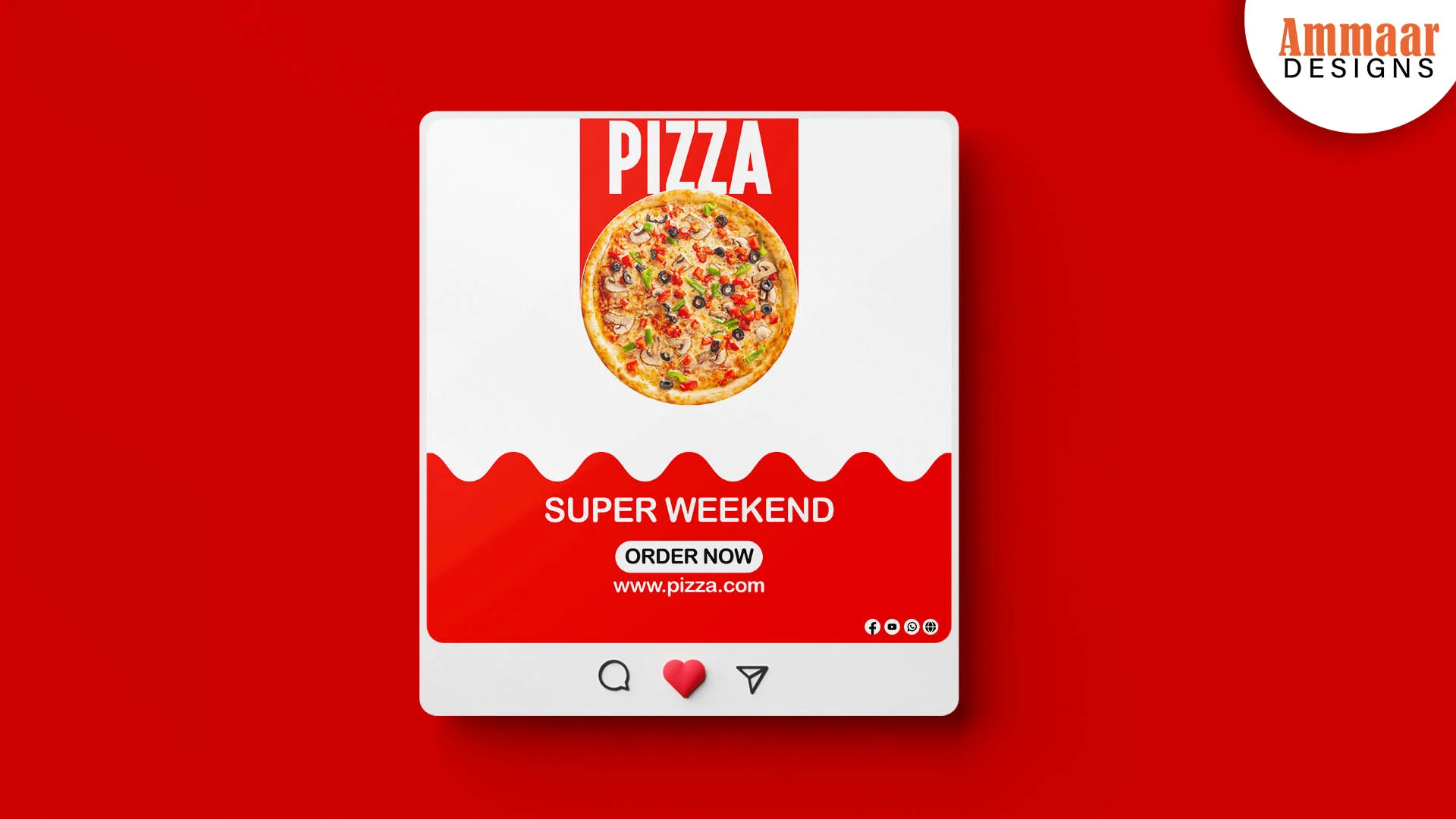
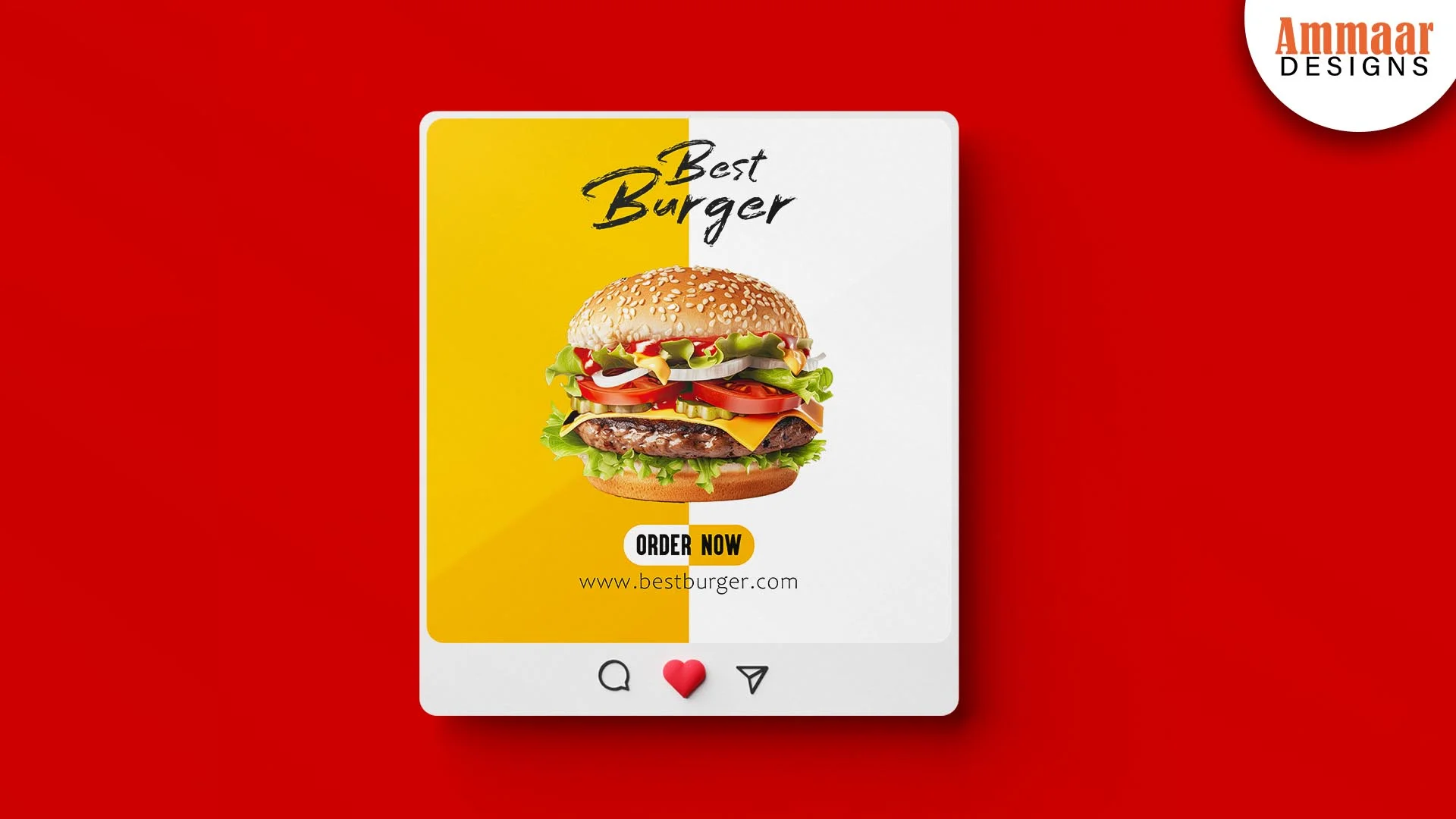
Ammaar Designs runs the campaign from the creative to the landing page. A facebook ads agency runs the campaign from the creative to the landing page. Ammaar Designs runs it the same way. The ad creative, the audience, and the landing page match, so the click becomes an enquiry. The Pizza Super Weekend ad, the Best Burger ad, and the Black Friday ad are the proof: one brand, one offer, one call to action each. The Facebook Ads page shows what Ammaar Designs runs for you. Or use this guide and run your first campaign yourself. Either way, the ad and the page must say the same thing.
Questions, Answered
Is Facebook Ads Manager free?
Yes, Ads Manager is free to use. You pay only for the ads you run. There is no fee for the tool itself.
How do I open Ads Manager?
Open Meta Business Suite, then click Ads Manager, or go to business.facebook.com/adsmanager. You need a Facebook Page and an ad account to see it.
What is the difference between a boosted post and Ads Manager?
A boosted post has no targeting, no audience, and no landing page match. Ads Manager has all three. A boost is a shortcut. A campaign is a plan.
How much should a small business spend on Facebook ads?
Start with $5 to $10 a day on one campaign. Run it for 5 to 7 days before you judge it. The social media marketing cost guide shows the market ranges.
How long before I see results?
Meta reviews ads within a day, then the campaign needs 5 to 7 days to learn. Judge the results after a week, not after a day.
Do I need a Meta Pixel?
Yes, if you want to track sales and build a retargeting audience. The Pixel sits on your website and reports what visitors do after the click.
What Should You Do Next?
Open Ads Manager and build one campaign with one objective, one audience, and one ad. A small daily budget, 5 to 7 days, then read the four numbers. A first campaign teaches you more than a month of reading. Or ask Ammaar Designs to run it for you. The Facebook Ads service page shows what Ammaar Designs runs for you. Book a free strategy call and leave with a clear next step.
Read the Meta Ads Guides next, for the Ad Library and the ad types around Ads Manager.
Ready for Ads That Pay You Back?
Book a free strategy call. You leave with a clear next step, whether you hire us or not.
Book a Free Strategy Call