Facebook Library Ads and How to Read Your Competitors
Every ad your competitors run is public. The Ad Library shows them all, free, with no login.
Facebook library ads are the public record of every ad running on Facebook and Instagram. The Meta Ad Library shows the creative, the copy, the format, and the start date of each ad, free and with no login. This guide shows how to search it, read the winners, and use what you find.
What Are Facebook Library Ads?
Facebook library ads are the ads listed in the Meta Ad Library, Meta's free public database of every active ad. The library covers Facebook, Instagram, Messenger, and the Audience Network. A retargeting ad that follows a visitor who left your site shows up here too. You can search by brand name, keyword, or country and see what advertisers run, what it looks like, and where it runs. Meta built the library for transparency. Marketers use it for research. No login. No paid tool. Just a URL most people ignore. How do you open it?
How Do You Open the Ad Library?
Open facebook.com/ads/library in any browser. You see a search bar with two dropdowns: country and ad category. Pick the country where you want to see ads. Pick All ads from the category dropdown. No account. No login. Just go. The country selector matters. Change it and you see a different world. The library is open. How do you search by brand?
How Do You Search by Brand?
Type the competitor's Facebook Page name and pick the right Page from the list. Many brands have duplicates: local pages, old pages, fan pages. Pick the one with the verified badge or the one that matches the official handle. Click the Page and you see every ad tied to it, from the start date back through the archive. Active, paused, seasonal, failed experiments, all of it. List your top 5 competitors and run each one by Page name, one country at a time. The brand search is done. How do you search by keyword?
How Do You Search by Keyword?
Type a category term instead of a brand name, and the library shows every ad that mentions it. A bakery types "birthday cake". A gym types "personal trainer". A software business types "project management". The library pulls every ad that mentions the term in the text, across every advertiser. Pick one broad keyword for your category and scroll 50 to 100 ads. Write down the three most common hooks you see. The keyword search is done. What does each ad show you?
What Does Each Ad Show You?
Each ad shows the creative, the copy, the format, the platform, and the start date. You see the image or video, the headline, the call to action, and the landing page. You do not see the targeting, the audience the advertiser picked. For political and issue ads, Meta also shows spend ranges and impressions. For commercial ads, Meta shows no spend and no performance. The start date is the most useful field. An ad that started months ago is still running for a reason. The fields are clear. How do you spot a winner?
How Do You Spot a Winning Ad?
A winning ad is an ad that has run for 30 days or more. Nobody keeps paying for an ad that loses money. An ad running for weeks is an ad that pays. Check the start date on each ad. Sort your list by the oldest start dates. Those are the winners. Read the hook, the offer, and the call to action on each one. The winners share a pattern. The pattern is the lesson. What should you copy?
What Should You Copy and What Should You Not Copy?
Copy the hook, the offer, and the structure. Never copy the creative, the words, or the trademark. A hook is an idea: a question, a number, a promise. An offer is a structure: a discount, a free trial, a bundle. Both are fair to learn from. The image, the exact words, and the brand marks are not. Copying them is theft, and Meta can ban the ad. Take inspiration, not copies. Build your own creative on the pattern you found. The line is clear. How often should you check?
How Often Should You Check the Library?
Check the library once a week, for 30 minutes, on the same day. Open your watchlist of 5 to 10 Pages. Scan for new ads. Note the start dates. Note the hooks. Note what changed. A weekly check catches a competitor's new offer before it reaches your customers. A daily check wastes the day. A monthly check misses the test. The routine is set. What does the library not show you?
What Does the Library Not Show You?
The library does not show performance, spend, or dead ads. You cannot see clicks, conversions, or return on ad spend. You cannot see how much a competitor spends on a commercial ad. You cannot see ads that stopped running, except political ads, which Meta archives for 7 years. Once a competitor turns off an ad, it vanishes from the library. The library shows what runs, not what works. Ad Manager Facebook shows what works. The limits are clear. How does Ammaar Designs use it?
How Does Ammaar Designs Use the Ad Library?
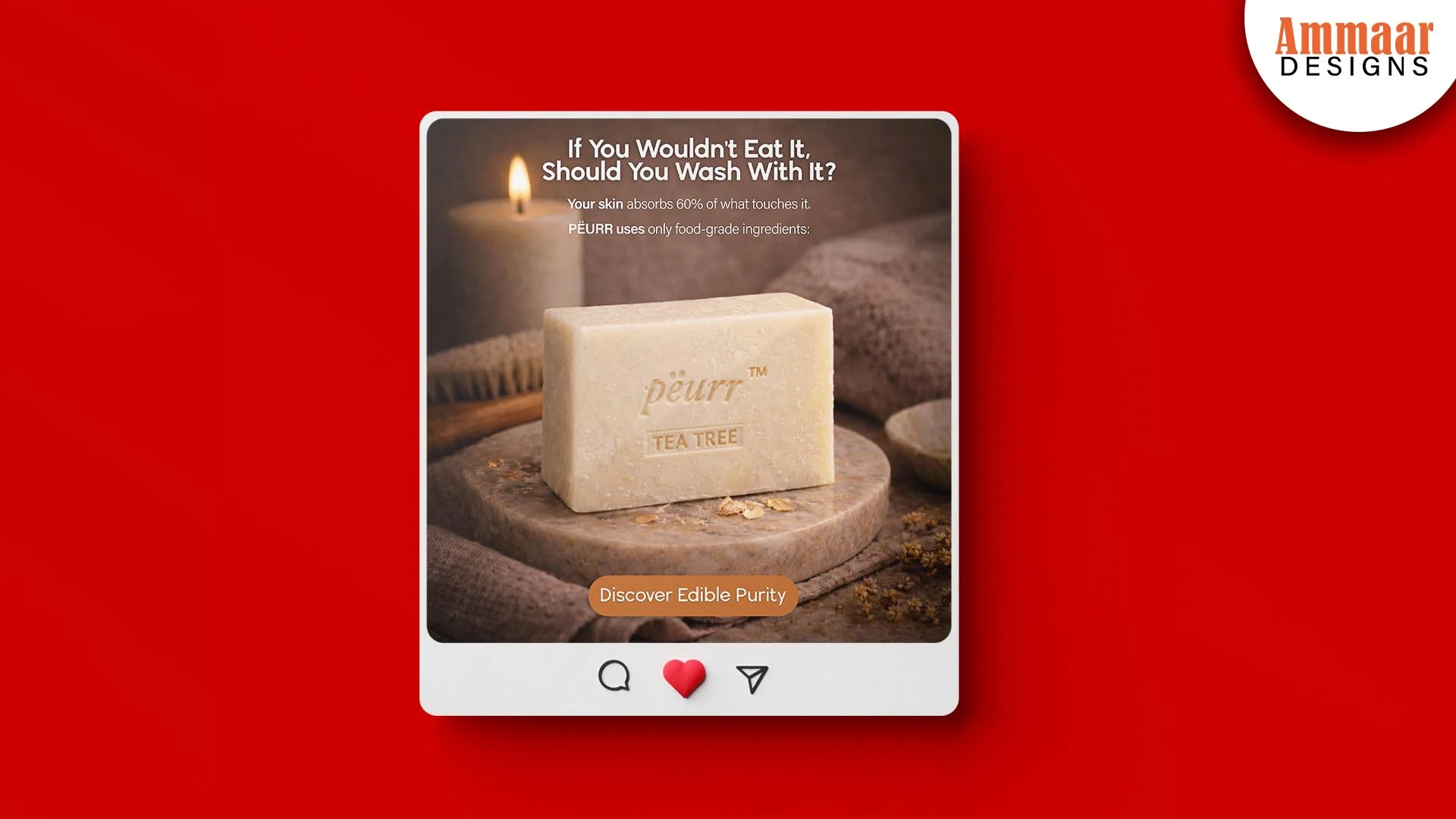
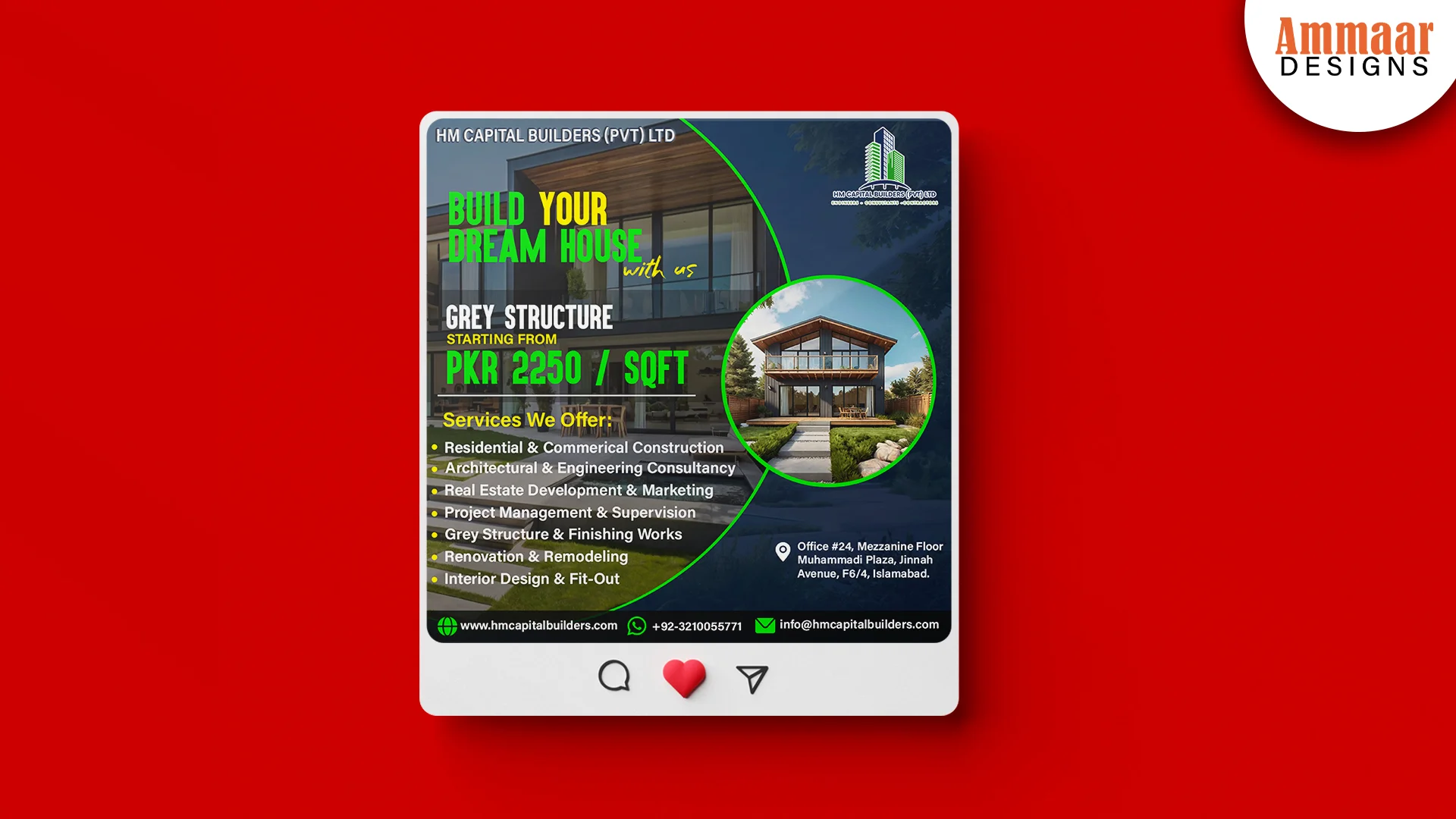
Ammaar Designs reads the Ad Library before it writes an ad, the way any good facebook ads agency does. The hook, the offer, and the format come from what the market already proves. The creative comes from the brand. The PËURR soap ad and the HM Capital ad are the proof: one brand, one offer, one call to action each, built to run. The Facebook Ads page shows what Ammaar Designs runs for you. Or use this guide and read your competitors yourself. Either way, the research comes before the spend.
Questions, Answered
Is the Facebook Ad Library free?
Yes, the Ad Library is free and public. No login, no account, no paid tool. Open facebook.com/ads/library and search.
Do I need a Facebook account to use it?
No. The library works without an account in most regions. You search by brand, keyword, and country.
Can I see how much a competitor spends?
No, not on commercial ads. Meta publishes spend ranges and impressions only for political and issue ads. For commercial ads you see the creative, the copy, and the start date.
How far back do ads go?
The library shows active ads and recent ads, not a full history. Meta archives political ads for 7 years. A commercial ad that stops running vanishes from the library.
Is it legal to look at competitor ads?
Yes. The library is a public transparency tool Meta built for anyone to view active ads. Copying a competitor's exact creative or trademarked assets is not legal.
What is the Meta Ad Library?
The Meta Ad Library is the free public database of every active ad on Facebook, Instagram, Messenger, and the Audience Network. Meta once called it the Facebook Ad Library. Search it by brand, keyword, or country.
What Should You Do Next?
Open the library and search your top 3 competitors today. Write down their longest-running ads, the hooks, and the offers. Build your next ad on the pattern, with your own creative. Or ask Ammaar Designs to do the research for you. The Facebook Ads service page shows what Ammaar Designs runs for you. Book a free strategy call and leave with a clear next step.
Read the Meta Ads Guides next, for Ads Manager and the ad types around the library.
Ready for Ads That Pay You Back?
Book a free strategy call. You leave with a clear next step, whether you hire us or not.
Book a Free Strategy Call