
Social Media Post Ideas That Stop the Scroll
Post ideas that stop the scroll, with carousels, Reel covers, and captions. Learn what makes a post work, and how to plan a month of content.
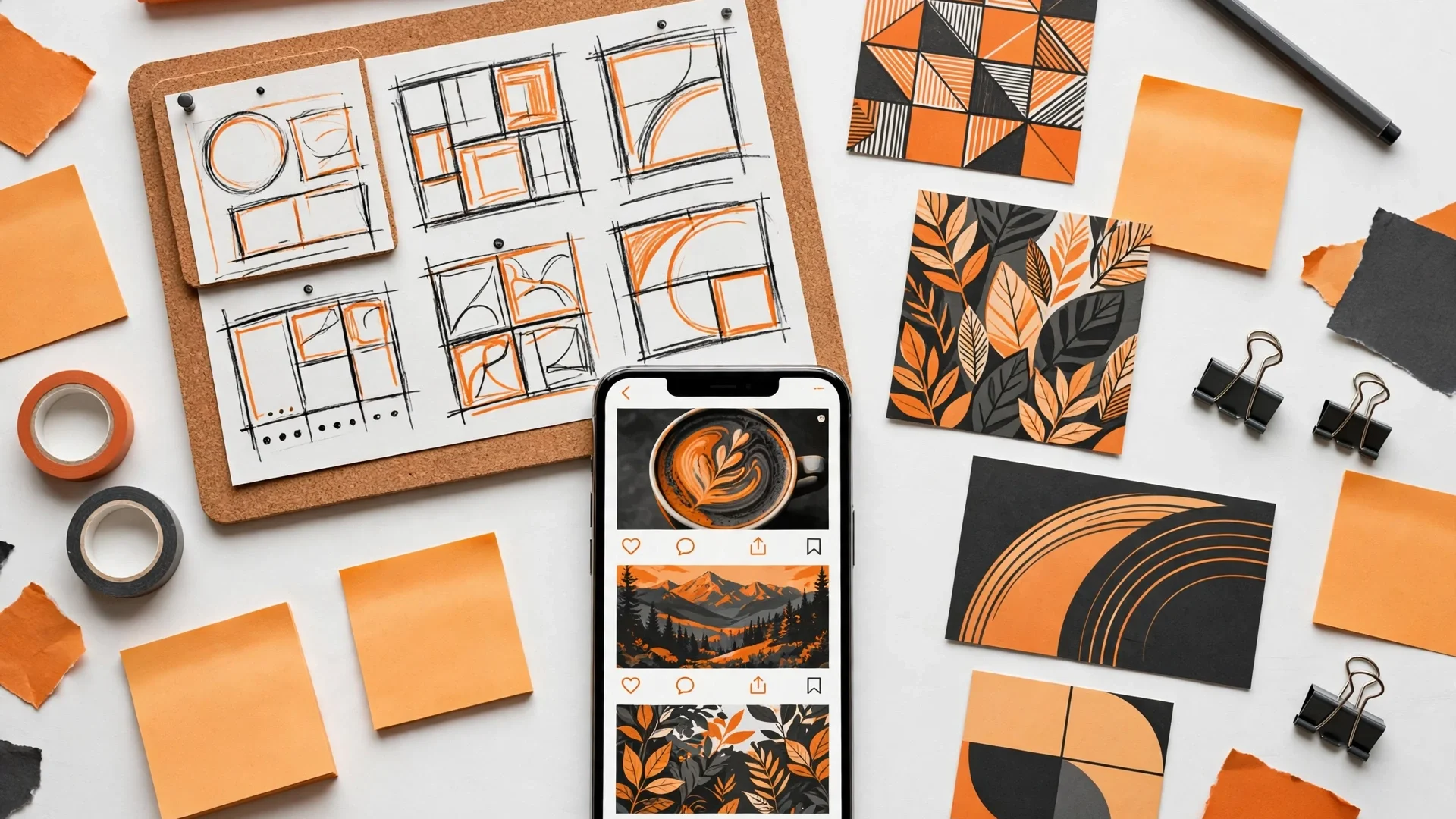
Social media post ideas are the ideas that stop the scroll, and they start with your customer, not with your product. Instagram post ideas and social media content ideas work when they answer a question your customer asks, show a result your customer wants, or tell a story your customer cares about. A post idea fails when it talks about your business, your product, or your sale, because the customer scrolls past a sales pitch. The post ideas that work are the ones that help, entertain, or teach, and they use a carousel, a Reel cover, a story, a caption, and a call to action, in that order.
What Makes a Social Post Stop the Scroll?
A social post stops the scroll when the first second earns the second. The first second is the image, the hook, or the first line, and it must make the reader stop. A post stops the scroll when it shows a result, asks a question, or tells a story, because the reader wants to know what happens next. A post fails when it shows a logo, a product, or a sale, because the reader has seen it before and scrolls past it.
A post stops the scroll when it matches the brand, so the reader recognises it as yours before they read it. A post design uses the same logo, the same colours, and the same typefaces as your brand, so the feed looks like one business. A post design uses visual hierarchy, so the headline comes first, the detail comes second, and the call to action comes last. A post design uses whitespace, so the reader can breathe and the message is clear. How do you design a post that matches a brand?
How Do You Design a Post That Matches a Brand?
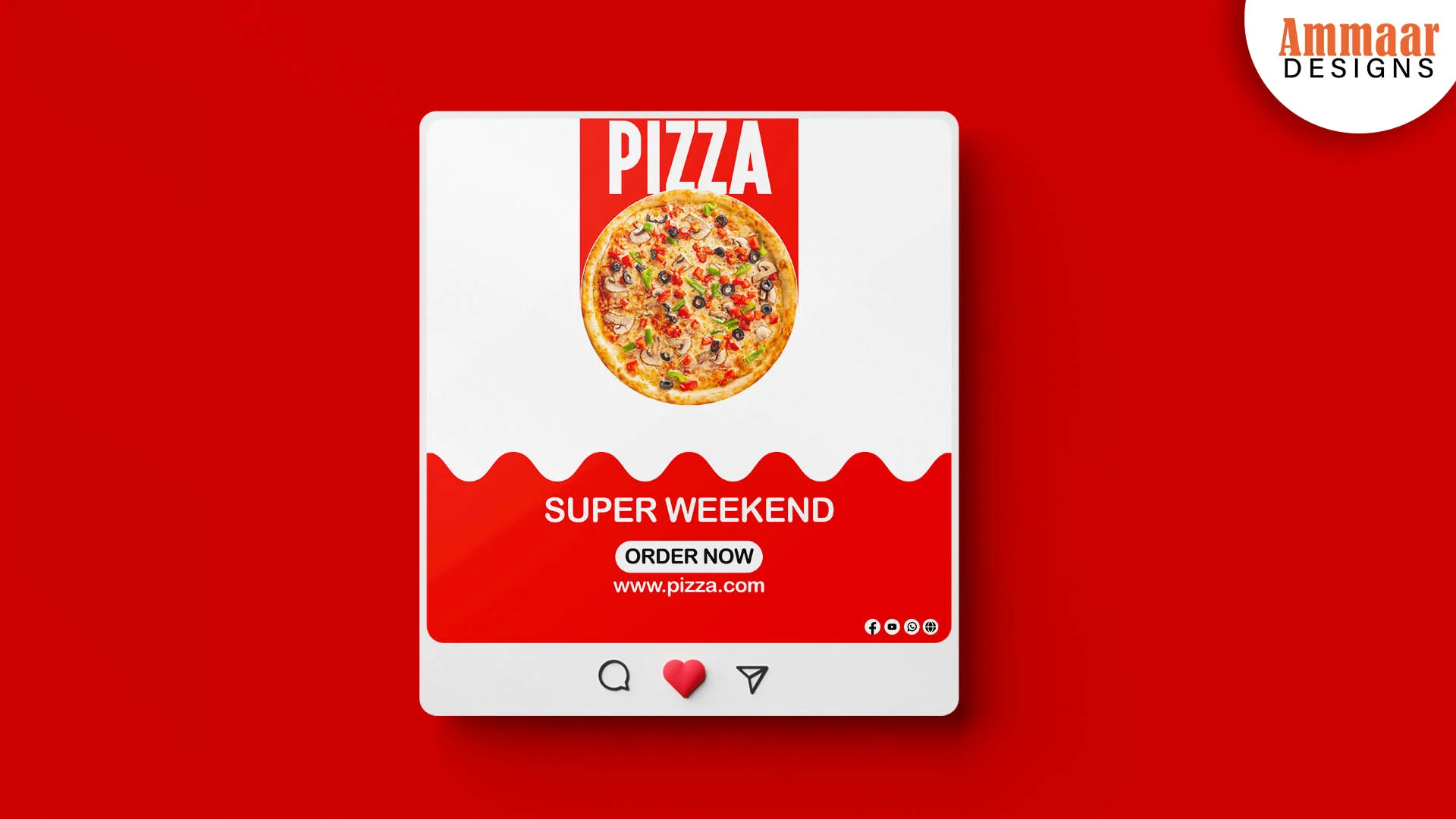
You design a post that matches a brand by using the same logo, the same colours, and the same typefaces as the brand, on every post. A brand template carries the layout, so each post looks like the same business. A post template sets the logo, the headline, the image, and the call to action, so the designer does not start from scratch. A post template also sets the colours, the typefaces, and the spacing, so the feed stays consistent.
A post matches a brand when the image, the caption, and the hook all say the same thing. A post fails when the image says one thing, the caption says another, and the hook says nothing. A post design starts with the offer, then adds the image, then writes the caption, then adds the call to action. A mockup shows how the post looks in the feed, next to the other posts, before you publish it. What should a Reel cover include?
What Should a Reel Cover Include?
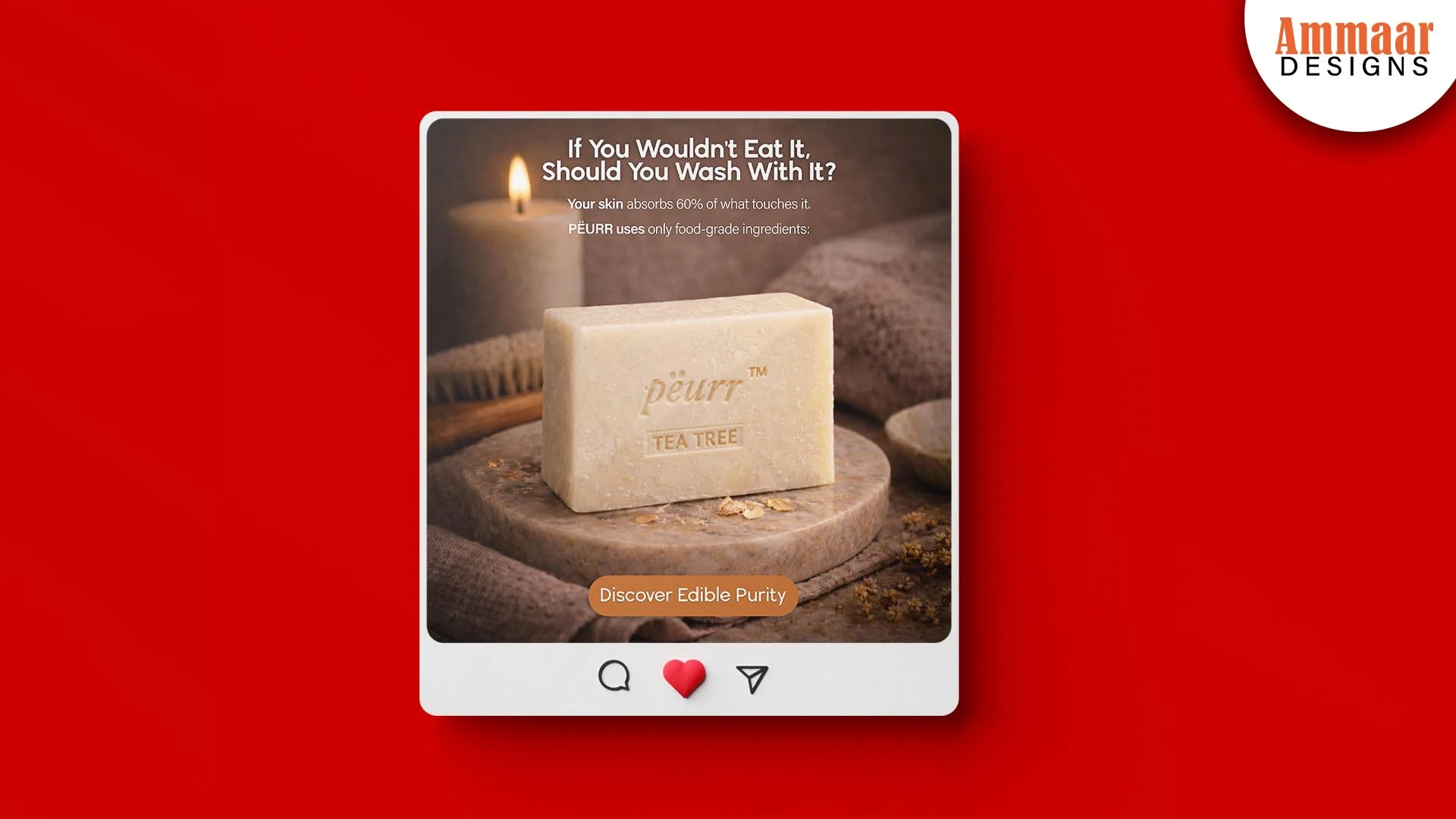
A Reel cover should include the hook, the brand, and the topic, in one image. The hook is the first line, the words that make the viewer stop. The brand is the logo, the colours, and the typefaces, so the viewer recognises it as yours. The topic is the subject, the words that tell the viewer what the Reel is about. A Reel cover fails when it shows a random frame from the video, because the frame says nothing about the topic.
A Reel cover works when it looks like a post, not like a video frame. A Reel cover uses the same brand template as a post, so the feed looks like one business. A Reel cover uses a hook that asks a question or promises a result, so the viewer taps to watch. A Reel cover uses a call to action that tells the viewer what to do next, so the viewer comments, saves, or shares. How do you plan a month of post ideas?
How Do You Plan a Month of Post Ideas?
You plan a month of post ideas by starting with the content calendar, not with the post. A content calendar sets the topics for the month, one per day, so you never run out of ideas. A content calendar mixes the post types: a carousel, a Reel, a story design, a caption, and a hook, so the feed stays fresh. A content calendar also sets the best times to post, so each post reaches the most people.
A content calendar works when it starts with your customer, not with your product. A content calendar lists the questions your customers ask, the results your customers want, and the stories your customers care about, then turns each one into a post idea. A content calendar fails when it lists your products, your sales, and your offers, because the customer scrolls past a sales pitch. A content calendar is the plan, and a post is the piece that carries it out. How does the Ammaar Designs feed work?
How Does the Ammaar Designs Feed Work?
The Ammaar Designs feed works because every post uses the same brand, the same template, and the same voice. The logo sits in the same place, the colours stay orange and black, and the typefaces stay bold and clean. The posts show real work, real results, and real ideas, so the reader sees the work before they read the words. The captions answer a question, tell a story, or offer a tip, so the reader learns something before they are asked to act.
The feed works because the posts are planned, not random. A content calendar sets the topics for the month, so the feed stays consistent. A post template carries the layout, so each post looks like the same business. A mockup shows how each post looks in the feed, next to the other posts, before it is published. The feed is the shop window, and the post is the product in the window. What mistakes make a post fail?
What Mistakes Make a Post Fail?
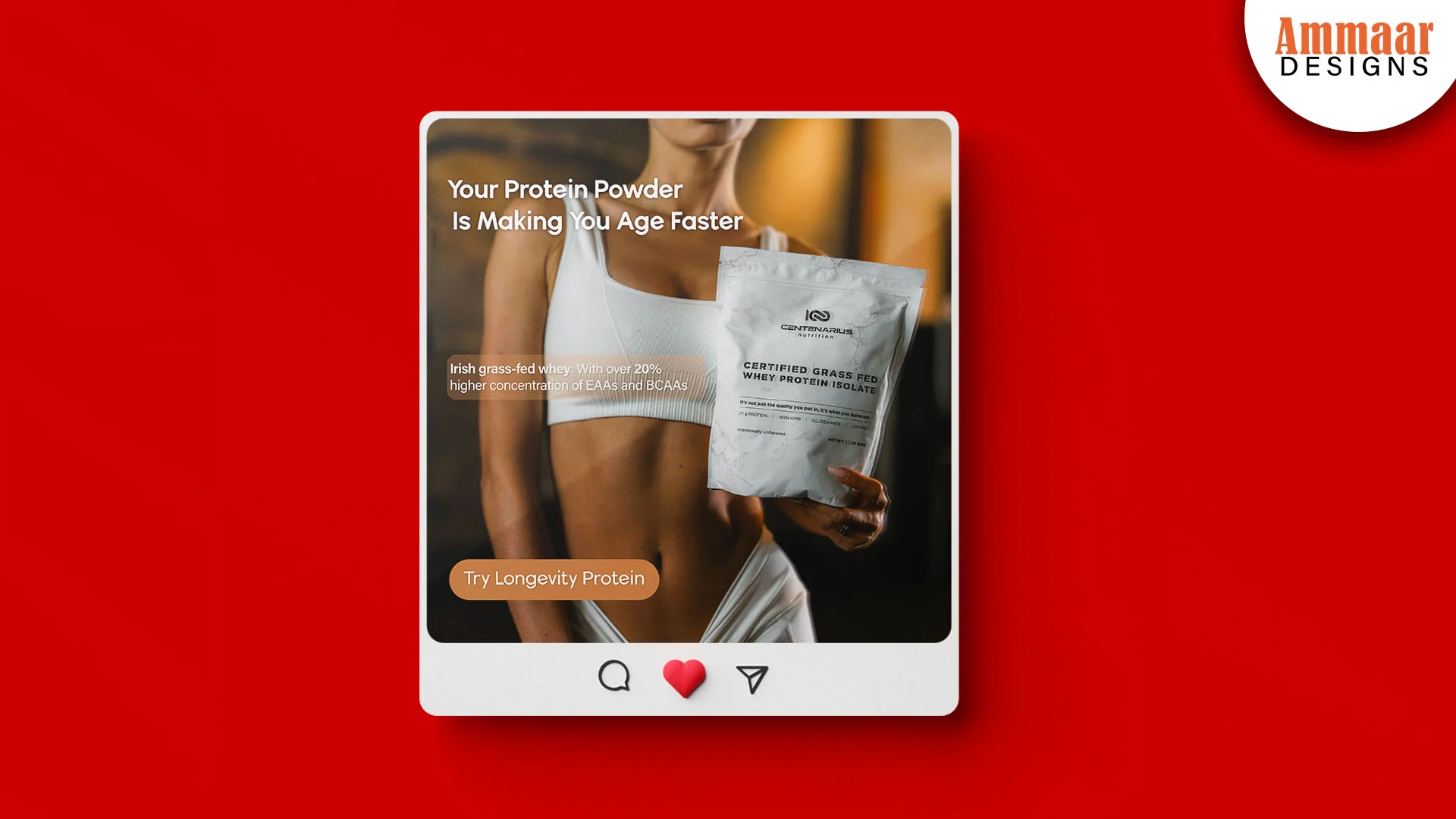
The most common mistake is to post about your business, not about your customer. A post about your product, your sale, or your offer talks about you, and the customer scrolls past it. A post about your customer, your customer's question, or your customer's result talks about them, and the customer stops to read it. A post fails when it has no hook, no call to action, and no reason to stop.
Other mistakes follow the same pattern: a post with too much text, a post with no clear image, a post that does not match the brand, and a post with no caption. A post fails when the image, the caption, and the hook say different things, because the reader cannot tell what the post is about. A post fails when it has no brand template, because the feed looks like four businesses instead of one. How often should a small business post?
How Often Should a Small Business Post?
A small business should post 3 to 5 times a week, on a schedule it can keep. A schedule you can keep beats a schedule you cannot, because a feed that stops looks dead. A small business posts on the days its customers are online, at the times they are most active, so each post reaches the most people. A small business posts a mix: a carousel, a Reel, a story, and a caption, so the feed stays fresh.
A small business posts less when the posts are better, and more when the posts are planned. A content calendar sets the topics for the month, so the business never runs out of ideas. A post template carries the layout, so each post takes less time to design. A small business that posts 3 times a week, every week, beats a business that posts 7 times one week and none the next. What should you do next?
Questions, Answered
What makes a social post stop the scroll?
A social post stops the scroll when the first second earns the second. The first second is the image, the hook, or the first line, and it must make the reader stop. A post stops the scroll when it shows a result, asks a question, or tells a story.
How do you design a post that matches a brand?
You use the same logo, the same colours, and the same typefaces as the brand, on every post. A brand template carries the layout, so each post looks like the same business.
What should a Reel cover include?
A Reel cover should include the hook, the brand, and the topic, in one image. The hook makes the viewer stop. The brand makes the viewer recognise it as yours. The topic tells the viewer what the Reel is about.
How often should a small business post?
A small business should post 3 to 5 times a week, on a schedule it can keep. A schedule you can keep beats a schedule you cannot, because a feed that stops looks dead.
What is a carousel?
A carousel is a post with more than one image, that the reader swipes through. A carousel works when each image adds to the story, so the reader swipes to see what happens next.
What is a brand template?
A brand template is a post layout that carries the logo, the colours, and the typefaces of the brand. A brand template sets the layout, so each post looks like the same business, and the designer does not start from scratch.
What Should You Do Next?
Plan a month of post ideas, then design the first week. Write down the questions your customers ask, the results your customers want, and the stories your customers care about, then turn each one into a post idea. Put the ideas on a content calendar, one per day, then design the first week with a brand template. A mockup shows how each post looks in the feed, before you publish it.
Ready for Posts That Stop the Scroll?
Book a free strategy call. You tell us what your business does, who it serves, and what your feed looks like now. We review the feed, recommend the smallest useful scope, and confirm the deliverables, the timing, and a fixed quote. You leave with a clear next step, whether you hire us or not.
Book a Free Strategy Call