Logo Design AI and How It Helps Small Business
AI turns a business name into logo ideas in seconds. It starts the logo. It does not finish it.
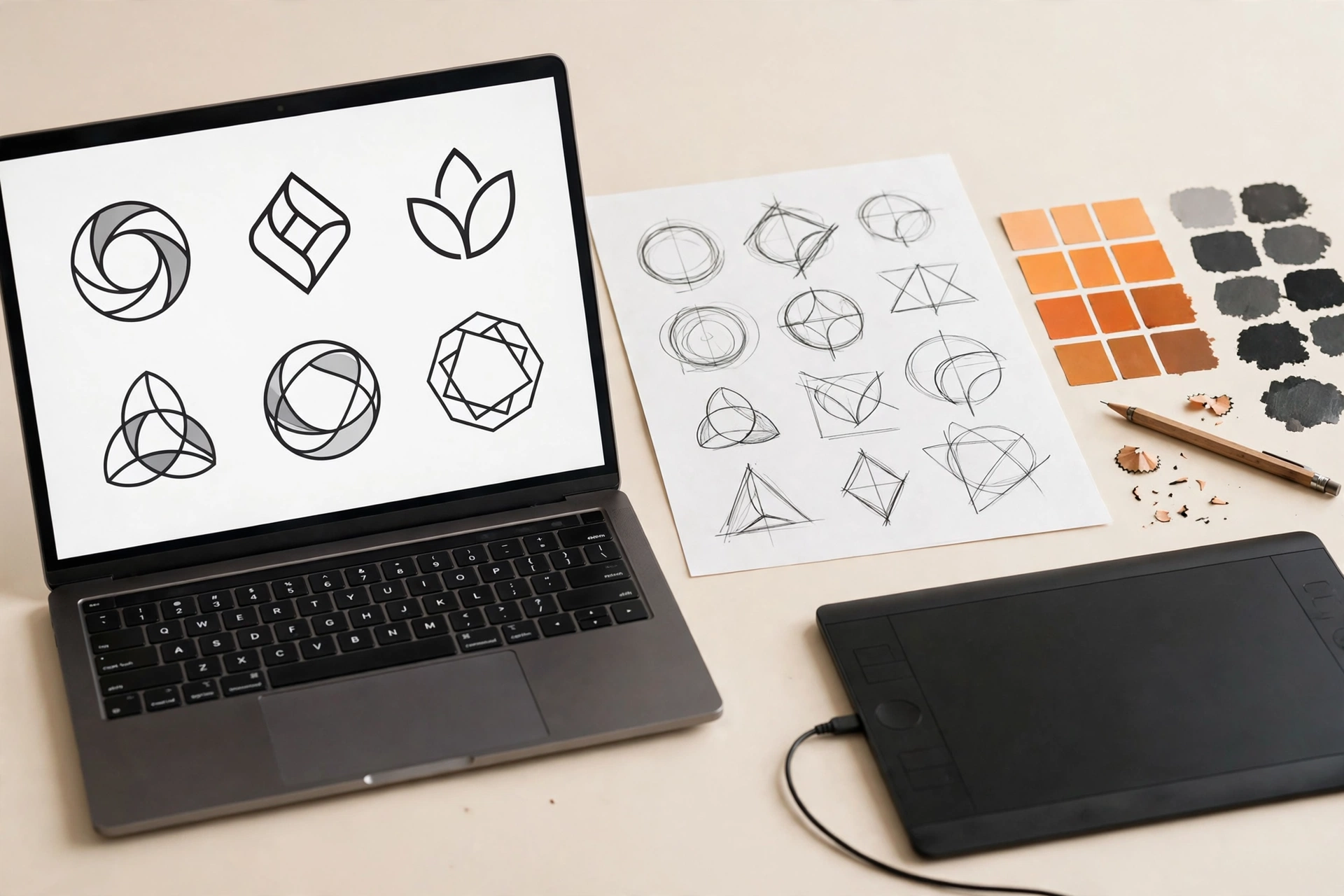
Logo design AI turns a business name, an industry, and a style into logo ideas in seconds. It is a fast start, not a finished logo. This guide shows what AI does well, where it fails, the tests an AI logo must pass, and when a designer should finish the mark.
What Is Logo Design AI?
Logo design AI is software that turns a business name and a few choices into logo concepts. You type the name, pick an industry and a style, and the tool shows dozens of marks in seconds. The tools have names: Looka, Brandmark, LogoAI, Canva Magic Design, Midjourney. Some are logo makers. Some are image generators. All of them start from patterns they learned from thousands of logos. AI does not design from your brief. It assembles from what it has seen. The output is ideas, not a brand. How does it turn your words into marks?
How Does an AI Logo Generator Work?
An AI logo generator works in four steps. Step 1: you give the inputs, the name, the industry, the style, and the colours. Step 2: the system matches your inputs against the patterns it learned in training. Step 3: it assembles icons, fonts, layouts, and colours into options. Step 4: you pick one and customise it, then download the files. The machine learns patterns. It does not learn your business. It cannot tell a bakery from a gym if both pick the same style. Your brief is the difference. The steps are simple. Which tool should you try?
Which AI Logo Tools Should You Try?
Try one logo maker and one image generator, then compare. Looka builds fast first layouts from a name, an industry, and a style, and sells the files from $20. Brandmark builds minimalist marks from a name and a tagline, from $25. Canva Magic Design builds logo templates from a prompt, free to start. Midjourney builds wide visual ideas from a text prompt, from $10 a month, and it is not a logo maker. A logo maker gives you layouts. An image generator gives you ideas. Neither gives you a vector master by default. Check the files before you pay. A tool that sells only PNG files sells you a picture, not a logo. You picked the tools. What does AI get right?
What Does AI Get Right?
AI gets speed, range, and mockups right. Speed: 50 ideas in a minute, where a sketch takes an afternoon. Range: styles you would never draw on your own, side by side. Mockups: the mark on a business card, a sign, and a social post in one click. AI is a brainstorm that never gets tired. It shows you what a modern mark looks like, what a classic mark looks like, and what a playful mark looks like, before you commit. Use it to explore. Do not use it to decide. The strengths are clear. Where does it go wrong?
Where Does AI Go Wrong?
AI goes wrong on type, originality, and files. Type: AI spells names wrong, bends letters, and sets type no designer would set. A logo with a wrong letter is not a logo. Originality: AI assembles from logos it has seen, so the mark can look like a competitor, or like a thousand other AI logos. Files: most tools export PNG or JPG, not a vector master. A raster file blurs when it grows. A logo without a vector file is not finished. Rights: a generated mark can sit close to a registered mark, and the tool does not check. The failures are fixable, but only by a human. How do you test the mark before you use it?
How Do You Test an AI Logo Before You Use It?
Run the same 4 tests a hand-drawn logo must pass. The 7-second sketch test: show the mark for 7 seconds, hide it, and ask someone to draw it from memory. A pass means the mark is simple enough to remember. The favicon test: shrink the logo to 16 pixels. A pass means it still reads. The one-colour test: print the logo in black only. A pass means the shape carries the idea. The distance test: step back 3 metres. A pass means the text stays readable. An AI logo that fails a test has a fix, and the fix is a simpler mark, redrawn as a vector. Your mark passed the tests. What files should you have?
What Files Should an AI Logo Give You?
The delivery needs a vector master, an SVG, a PNG with a transparent background, and the colour and mono versions. The vector master is the AI or EPS file. It is the file your printer and your future designer edit. The SVG is the vector file for your website. The PNG is the raster file for posts and documents. The mono version is the logo in one colour, for stamps, embroidery, and single-colour print. A download with only a PNG is not a delivery. It is a preview. Ask the tool for the vector file before you pay. If it cannot give you one, the logo is not finished. The files are set. Can you trademark it?
Can You Trademark an AI Logo?
A trademark is a legal step, and AI gives you no legal protection. A trademark protects your name and mark in the market you trade in. The tool does not search registered marks for you. A generated mark can sit close to a mark someone else owns. Search the register and the web before you print anything. Talk to a trademark lawyer before you spend money on registration. A logo you cannot protect is a logo you can lose. The legal step is clear. When should a designer finish the logo?
When Should a Designer Finish the Logo?
A designer finishes the logo when the mark must work everywhere. AI gives you the idea. A designer rebuilds the winner as a clean vector, fixes the type, sets the colours, and builds the system around it: the logo variations, the palette, the fonts, and the guidelines. A wordmark, a lettermark, and an icon all need the same finish: clean lines, correct type, and a vector master. If the logo only needs to work on social posts, and you have time, AI plus a free tool is a real option. If the logo must work on print, packaging, signs, and a website, a designer earns the fee. The Logo Design page shows the package and the files you receive. The choice is yours. How does Ammaar Designs use AI?
How Does Ammaar Designs Use AI in Logo Design?
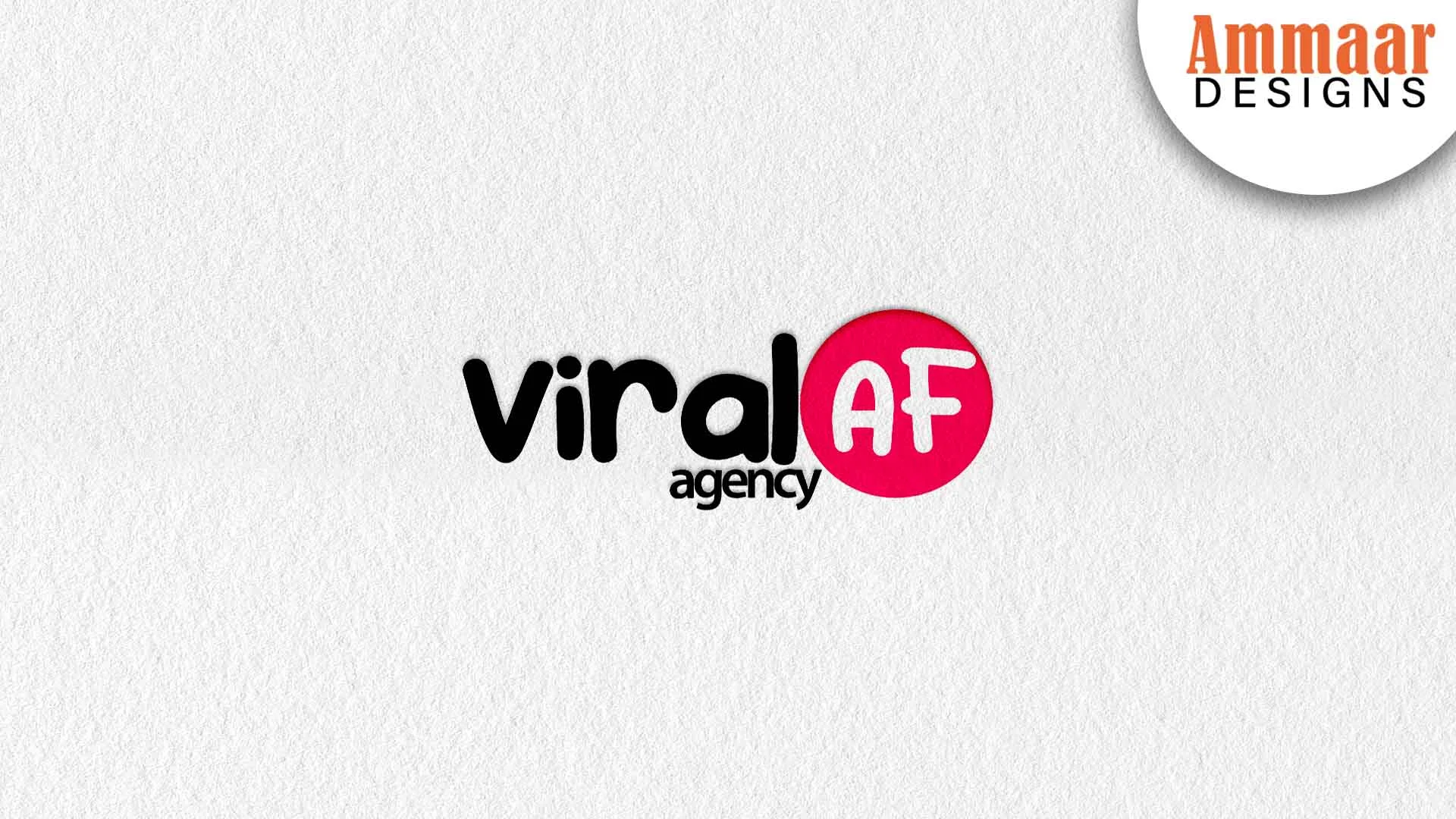
Ammaar Designs uses AI for ideas, and a designer for the logo. AI opens the range. The designer picks the direction, rebuilds it as a vector, fixes the type, and tests it against the 5 tests. The ViralAF logo above is the proof. It is a bold wordmark built as a vector, with a system around it: palette, type, and stationery that all match. AI could not build that system. A designer builds it. Your logo starts with an idea, AI or not. It finishes as a vector file that works at any size.
Questions, Answered
Is an AI logo free?
You can generate and preview an AI logo for free. The files cost money on most tools. Looka sells files from $20, Brandmark from $25. A free preview is not a finished logo.
Can AI make a vector logo?
Some tools export an SVG, most do not. Check the export list before you pay. A logo without a vector master is not finished, whatever the tool promises.
Is an AI logo original?
The tool assembles an AI logo from patterns it has seen. It can look like another logo. Run the tests, search the register, and rebuild the winner as your own mark.
Which AI logo tool is best?
Looka fits a complete branding package, Brandmark fits minimalist marks, Canva fits quick templates, Midjourney fits wide ideas. The best tool is the one that gives you the files you need.
Can I use an AI logo for my business?
Most paid tools grant commercial rights after purchase. Read the licence before you print. Free plans often allow personal use only.
Should I hire a designer after AI?
Hire a designer when the logo must work on print, packaging, signs, and a website. AI gives you the idea. A designer gives you the vector, the system, and the files.
What Should You Do Next?
Generate 20 ideas with AI, then run the 4 tests on the best three. A mark that passes the tests is worth rebuilding as a vector. A mark that fails is worth dropping. Or ask Ammaar Designs to build the vector file for you. The Logo Design service page shows the package and the files you receive. Book a free strategy call and leave with a clear next step.
Read the Graphic Design Guides next, for the logo group and the system around the logo.
Ready for a Logo That Works?
Book a free strategy call. You leave with a clear next step, whether you hire us or not.
Book a Free Strategy Call